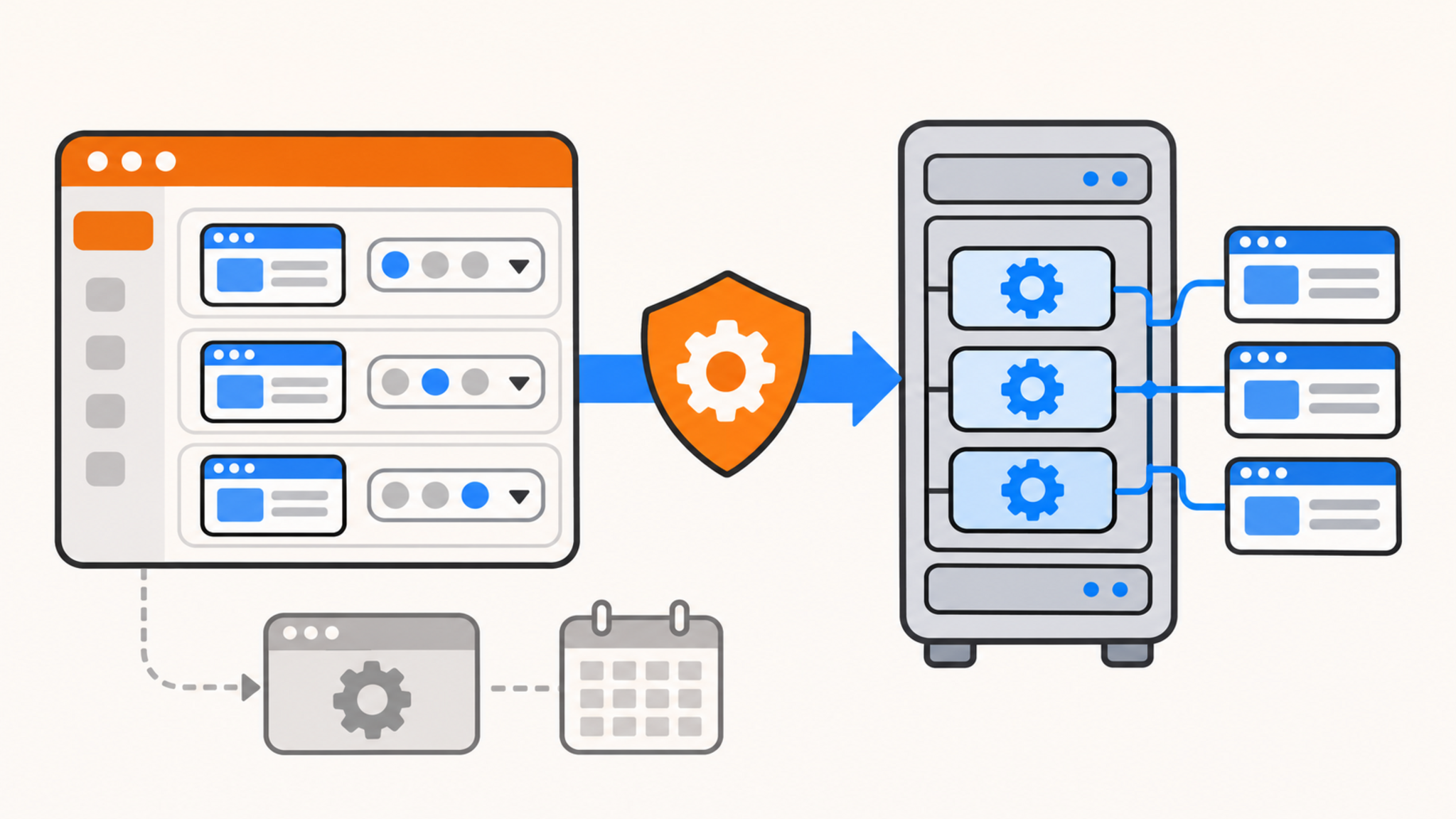
QDE has removed PHP 8.1 from its cPanel Shared Hosting platform. PHP 8.1 reached end of life on December 31, 2025 and no longer receives upstream security fixes. Every PHP site on QDE cPanel hosting must now use PHP 8.2 or later.
Please check the PHP version assigned to every domain and subdomain in your cPanel account, even if the sites currently appear to work. PHP versions can be configured separately for each domain.
PHP 8.2 is the minimum version still available, but it is only a short-term compatibility option. Its security support ends on December 31, 2026. QDE recommends moving supported applications to PHP 8.4 or PHP 8.5 as soon as possible.
Why PHP 8.1 was removed
The PHP project lists PHP 8.1 as an unsupported branch. Once a branch reaches end of life, newly discovered security problems and software defects are no longer fixed through normal upstream releases.
An application that still depends on PHP 8.1 therefore also depends on an unmaintained runtime. Updating WordPress, another CMS, or an application framework does not repair a vulnerability in PHP itself.
QDE manages the operating system, cPanel stack, and PHP runtimes on Shared Hosting. Removing PHP 8.1 limits hosted sites to branches that still receive upstream security maintenance. Customers remain responsible for their website code, CMS installations, themes, plugins, and other application dependencies.
Check every domain in cPanel
cPanel allows each virtual host to use its own PHP version, so checking only the primary domain is insufficient. Addon domains and subdomains may have separate assignments.
- Sign in to cPanel.
- Open MultiPHP Manager under Software.
- Review the PHP version shown for every listed domain.
- Select a domain, choose PHP 8.4 or PHP 8.5 where the application supports it, and click Apply.
- Repeat the check for the remaining domains in the account.
A domain marked Inherit uses the applicable inherited or system default. The cPanel MultiPHP Manager documentation explains how domain-level assignments and inheritance work.
If an application cannot yet run on PHP 8.4 or 8.5, select the newest supported branch it can run safely, with PHP 8.2 as the absolute minimum. Record what prevents the upgrade and arrange the required application work. Leaving the site on PHP 8.2 without a migration plan will create the same problem again at the end of 2026.
PHP 8.2 also reaches end of life soon
The official PHP support schedule gives the following security-support deadlines:
| PHP branch | Security support ends | QDE guidance |
|---|---|---|
| PHP 8.2 | December 31, 2026 | Temporary compatibility option only |
| PHP 8.3 | December 31, 2027 | Supported interim option |
| PHP 8.4 | December 31, 2028 | Recommended for compatible applications |
| PHP 8.5 | December 31, 2029 | Recommended for compatible applications |
PHP 8.2 receives security fixes only until its deadline and will receive no further upstream fixes after that date. A compatible site moved directly to PHP 8.4 or 8.5 will not need another runtime migration when PHP 8.2 reaches end of life on December 31, 2026.
Use PHP 8.4 when your application or vendor lists it as supported. PHP 8.5 is also suitable once the application, extensions, and Composer dependencies have been tested against it. A newer branch should not be enabled blindly on a production site.
Test the site after changing versions
Changing the PHP version does not update the application that runs on it. Before switching a production site, update its CMS, plugins, themes, framework packages, and Composer dependencies. Take a current backup before making application or dependency changes.
After applying the new version, test the homepage and the functions that execute PHP. A working homepage does not confirm that the rest of the application is compatible. Check:
- the administration or account login;
- contact forms, uploads, search, and other interactive functions;
- checkout or payment flows where applicable;
- scheduled tasks, queues, webhooks, and command-line jobs;
- cPanel and application error logs.
Older code may depend on functions, extensions, or behavior that changed in later PHP branches. If the site fails, use the newest supported version that remains compatible while the code is corrected. Do not leave a broken production site on a newer branch merely to satisfy a version number.
Shared Hosting and unmanaged servers have different responsibilities
This removal applies to QDE cPanel Shared Hosting. QDE controls the PHP versions installed on that managed platform.
QDE VPS and dedicated servers are unmanaged. Customers with those services choose and maintain the packages inside their own operating systems, so QDE does not remove PHP 8.1 from them automatically. PHP 8.1 is still end of life on an unmanaged server, and its administrator should upgrade the runtime and application separately.
What to do now
Review every domain in cPanel and move compatible sites to PHP 8.4 or PHP 8.5. If an application still requires PHP 8.2, treat that setting as temporary and complete the application upgrade before December 31, 2026.
If the correct PHP version is selected but the cPanel environment does not behave as expected, open a QDE support ticket. Application compatibility problems may need to be handled by the application's developer or vendor.
Frequently asked questions
Can I continue using PHP 8.2 on QDE cPanel hosting?
Yes, for the moment. PHP 8.2 remains the minimum available version, but upstream security support ends on December 31, 2026. Upgrade to PHP 8.4 or 8.5 as soon as your application supports it.
Will QDE update my website code automatically?
No. QDE maintains the shared-hosting platform and its PHP runtimes. Website code, CMS updates, plugins, themes, and application dependencies remain the customer's responsibility.
Does this change remove PHP 8.1 from my QDE VPS?
No. QDE VPS and dedicated servers are unmanaged, so packages inside them are controlled by the customer. Administrators running PHP 8.1 should still replace it because the branch no longer receives upstream security fixes.