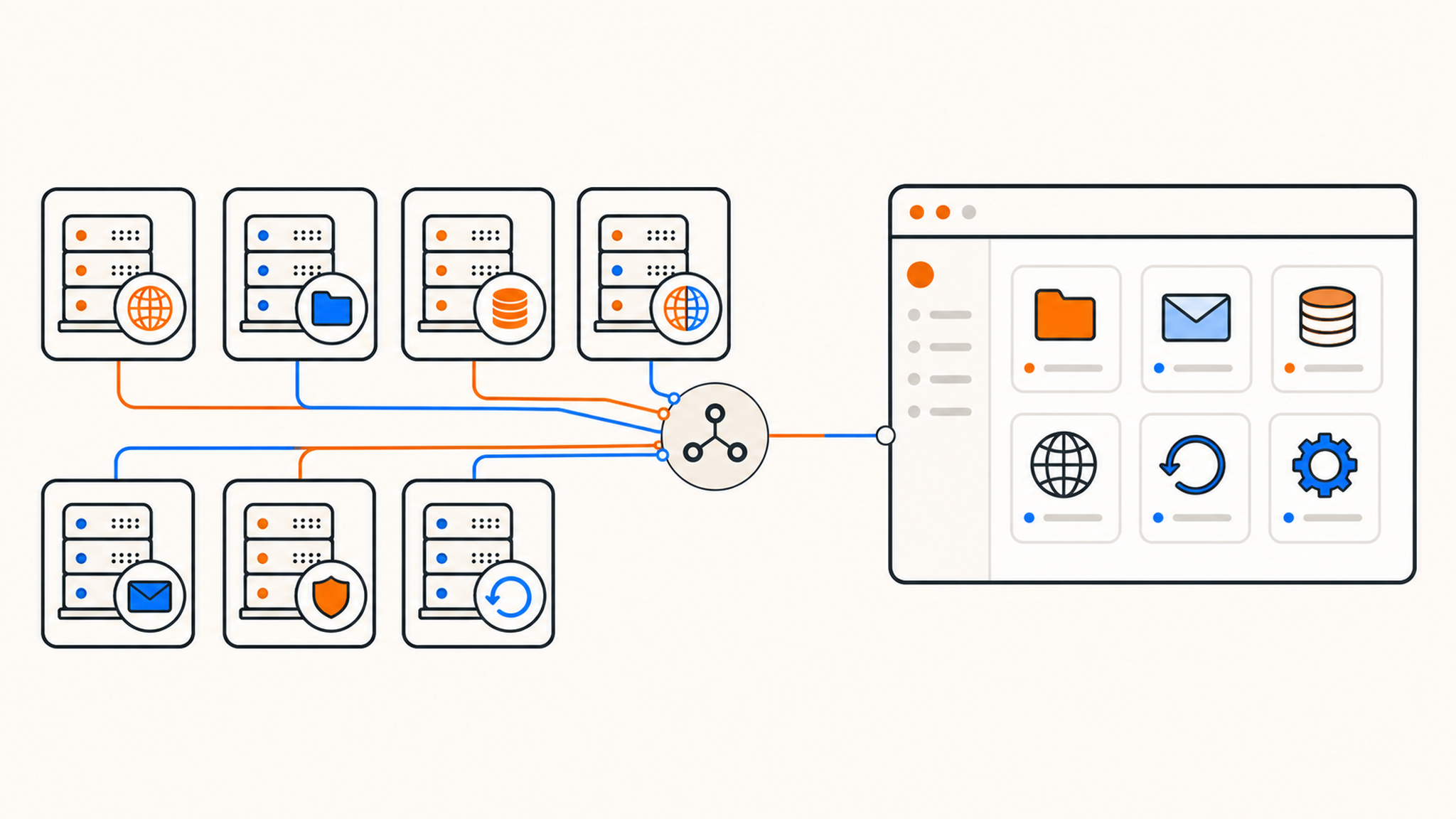
The cPanel shortlist is smaller than it used to be. Hostinger puts shared-hosting customers in hPanel, SiteGround has Site Tools, and Hosting.com now directs standard web-hosting customers to its own panel. If you specifically want cPanel, checking the provider name is no longer enough. You need to check the exact product.
This article covers seven current options. It is not a benchmark ranking: we did not deploy the same site and traffic test on every platform, so the order does not claim that number three is faster than number five. Product details and prices were checked against official sources on July 25, 2026.
Disclosure: QDE publishes this comparison and appears first. We sell cPanel shared hosting, so our commercial interest should be visible before the recommendations, not hidden in the conclusion. The other six providers are included because they sell a cPanel hosting product to new customers and offer a useful range of contract terms, locations, support models, and resource limits.
What "cPanel hosting" means in this comparison
cPanel is the account-level interface used to manage files, domains, databases, email, PHP settings, certificates, and applications on a Linux hosting server. The provider runs WHM and the underlying server. You receive a restricted cPanel account.
The cPanel logo does not make two hosting plans equivalent. A provider can disable individual interfaces, choose different backup software, impose its own CPU and memory limits, and decide whether migrations or restores are included. Bluehost places cPanel behind the Bluehost Portal. Hosting.com sells it as a separate product from standard web hosting. GoDaddy packages it inside a broader account dashboard. The familiar cPanel screen is only one layer of the service.
Backups need particularly careful wording. cPanel can generate a full account archive, but its own backup documentation says customers cannot automatically restore a full backup from the cPanel interface. That normally requires the destination host or someone with WHM access. cPanel's Transfer Tool is also a WHM administrator function, not a button available to every shared-hosting customer.
How the seven providers compare
Promotional prices are difficult to normalize. Some require one, two, or three years of advance payment, while others bill monthly. Taxes, region, free-domain terms, email, and renewal prices also differ. The table records the pricing pattern that matters most, but the checkout total is the number to compare.
| Provider | How cPanel is provided | Pricing pattern checked July 25, 2026 | Best fit |
|---|---|---|---|
| QDE | Direct cPanel access on every shared plan | From €2.95/month, billed monthly with no introductory rate | EU hosting, predictable billing, and a dedicated IPv4 address |
| Bluehost | cPanel through the Bluehost Portal; not included with Bluehost Cloud | Starter renews from $9.99 to $15.99/month depending on term | WordPress beginners who want a guided account portal |
| HostGator | cPanel on shared hosting | Low introductory pricing, followed by published regular rates | First sites where initial cost matters and the buyer checks renewal details |
| InMotion Hosting | cPanel on every shared plan | Long-term promotions from $4.79/month; higher renewal rates | Agencies and developers needing generous storage and more runtime tools |
| Hosting.com | Separate Pro cPanel Hosting product | Promotional term followed by the regular rate shown at checkout | Former A2 users and cPanel migrations that benefit from LiteSpeed |
| Namecheap | cPanel on Stellar shared hosting | Stellar is $1.91/month for year one; $55.88/year on renewal | Domain customers and small sites on a tight budget |
| GoDaddy | cPanel on Linux Web Hosting | Prices and plan names vary by market and term | Small businesses consolidating domains and hosting with one vendor |
1. QDE
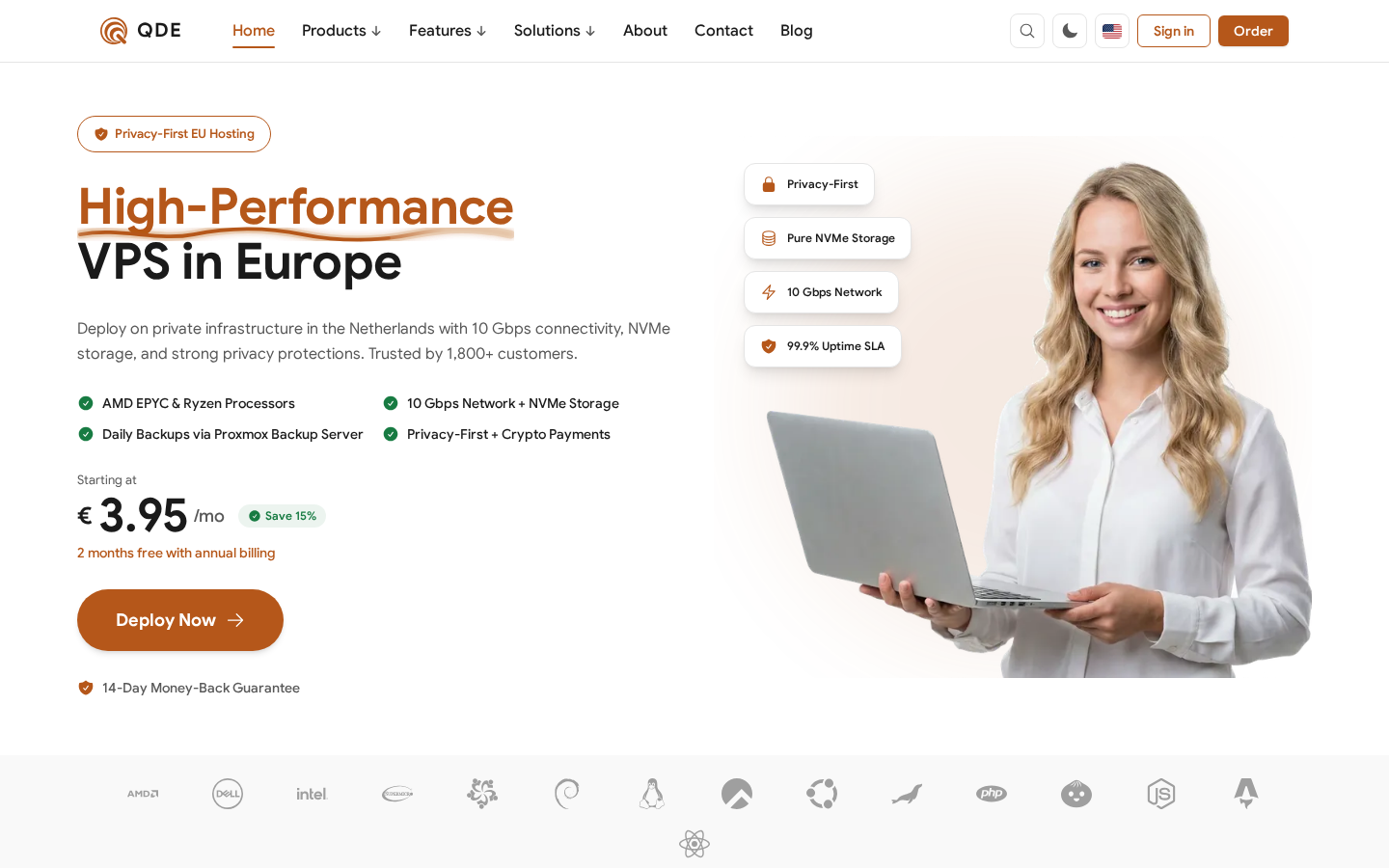
QDE shared hosting runs in Amsterdam and uses cPanel on every plan. Starter costs €2.95 per month, Standard €4.95, and Premium €9.95. Those are monthly prices rather than short introductory rates tied to a multi-year prepayment.
Every account receives a dedicated IPv4 address, daily offsite backups, free TLS certificates, MariaDB with phpMyAdmin, and a selectable PHP version from 8.2 through 8.5 for each site. The network has a 10 Gbps shared uplink. "Shared" matters: 10 Gbps describes the connected port, not bandwidth reserved for one hosting account.
The service is intended for PHP, WordPress, and static sites. Each account can use up to 512 MB of RAM. A project that needs root access, Docker, system packages, or an unrestricted Node.js or Python environment belongs on a VPS instead.
QDE accepts iDEAL, PayPal, credit cards, Bitcoin, Litecoin, USDT, and Monero. You can inspect the interface before buying through the QDE cPanel demo with username demo and password I8.aB?*+AFx~t{w-.
Best fit: a site owner who wants cPanel on Netherlands infrastructure, a dedicated IPv4 address, and month-to-month billing without a renewal jump.
Check before ordering: the 512 MB account limit and PHP-focused environment are designed for conventional websites, not custom server software.
2. Bluehost
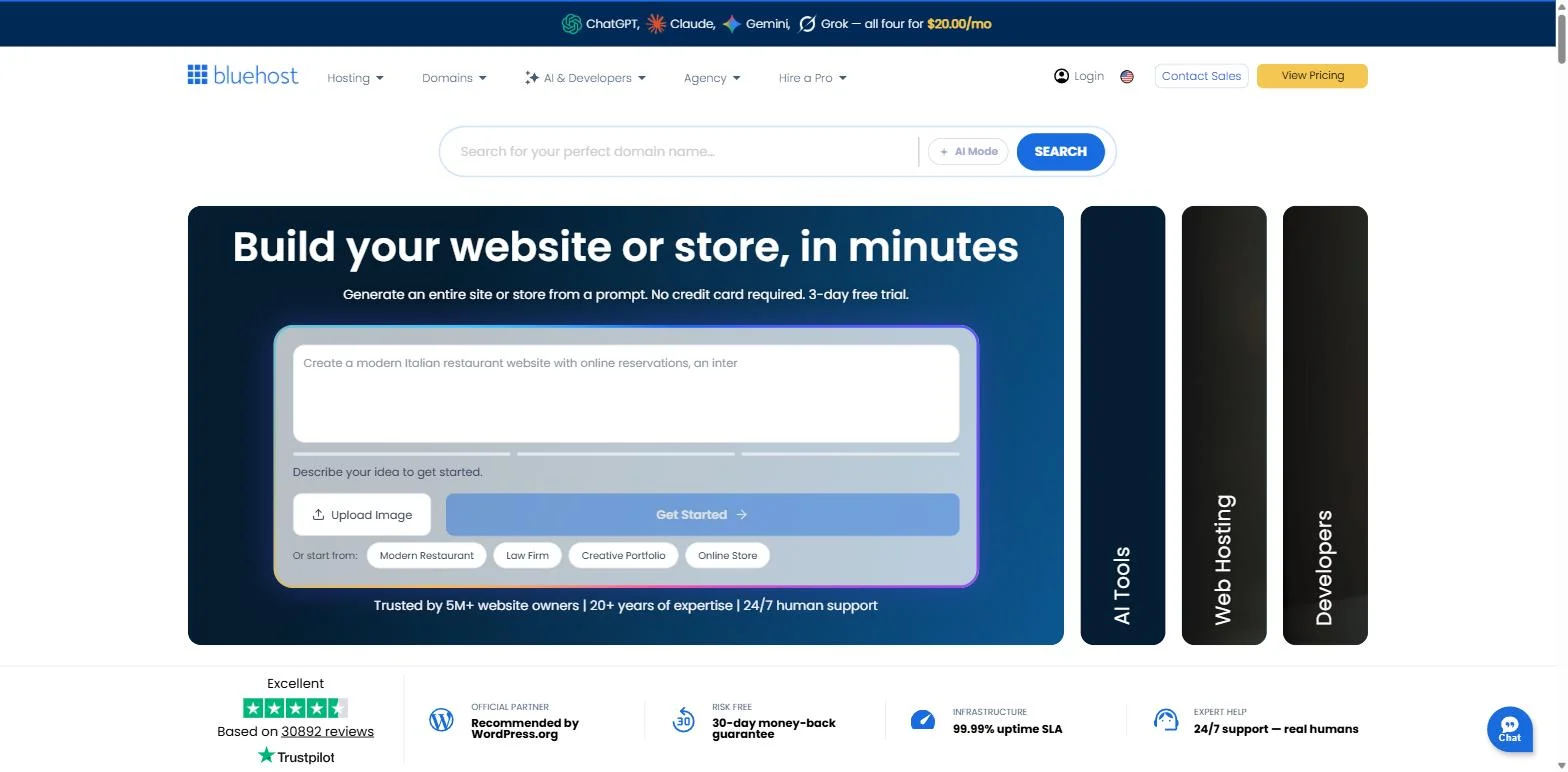
Bluehost is the longest-running host on the current WordPress.org hosting recommendation page. Its current Starter shared plan supports up to 10 websites with 10 GB of NVMe storage. It also includes a first-year domain, Let's Encrypt certificates, a WordPress migration tool, CDN access, and a 30-day hosting refund period.
cPanel is present, but Bluehost no longer makes it the center of every task. Its June 2026 cPanel access guide says most functions are available in the Bluehost Portal, with a cPanel button for database, email, FTP, and other advanced settings. Bluehost Cloud does not include cPanel at all.
The regular rate deserves as much attention as the signup offer. Bluehost's current shared-hosting price sheet lists Starter renewal at $15.99 per month on a monthly term, $11.99 per month equivalent for 12 months, or $9.99 per month equivalent for 36 months. Longer terms reduce the monthly equivalent but require more money up front.
Best fit: a new WordPress owner who values Bluehost's setup flow, WordPress tooling, and large support library, while still wanting cPanel available for traditional hosting tasks.
Check before ordering: confirm the product says shared or web hosting if cPanel is mandatory. Bluehost Cloud uses a different management setup.
3. HostGator
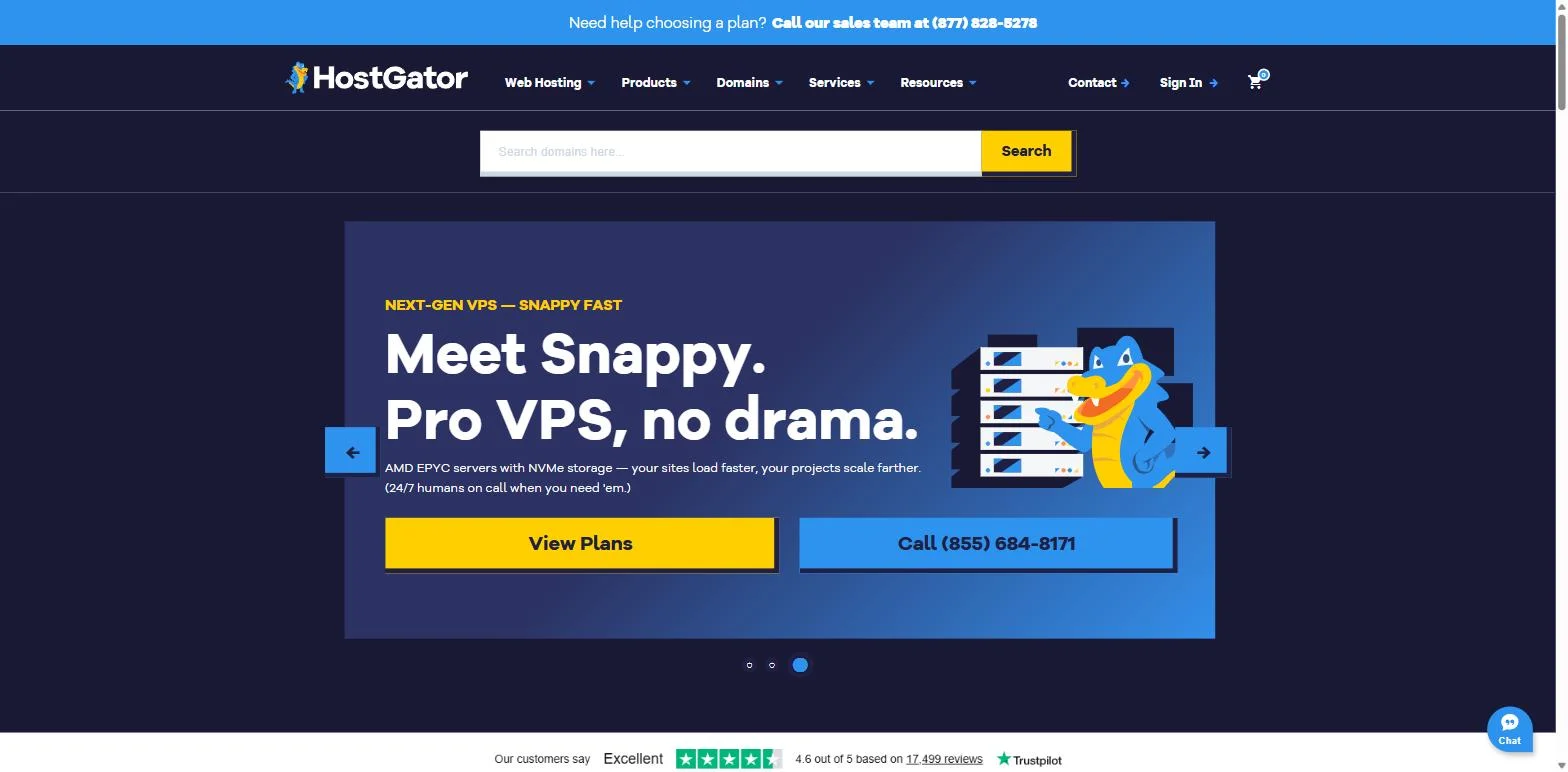
HostGator shared hosting still provides cPanel. Its current shared-hosting feature table lists Hatchling, Business, and Pro plans with 10, 50, and 100 websites respectively. Storage ranges from 10 GB to 100 GB, and every tier lists SSL, a CDN, a migration tool, managed WordPress updates, and a 30-day money-back period.
There is an awkward documentation mismatch. The feature table uses Hatchling, Business, and Pro, but HostGator's published renewal price chart still lists Hatchling, Baby, and Business. That chart puts Hatchling at $17.59 for one month, $13.19 per month equivalent for a one-year renewal, and $10.99 per month equivalent for three years.
Treat the cart and renewal notice as authoritative for the exact product you select. Saving a copy of the checkout summary is sensible when the public plan names do not line up cleanly.
HostGator and Bluehost are not independent corporate groups. HostGator states that it is an indirect subsidiary of Newfold Digital, and Bluehost lists Newfold Digital as its parent company. Their account portals, promotions, and feature development can still differ, but buyers comparing corporate concentration should know the connection.
Best fit: a first-time site owner looking for an established cPanel host with a low promotional entry point and a path to larger hosting products.
Check before ordering: verify the plan name, website limit, renewal term, and regular price in the cart because HostGator's current comparison and renewal pages do not fully agree.
4. InMotion Hosting
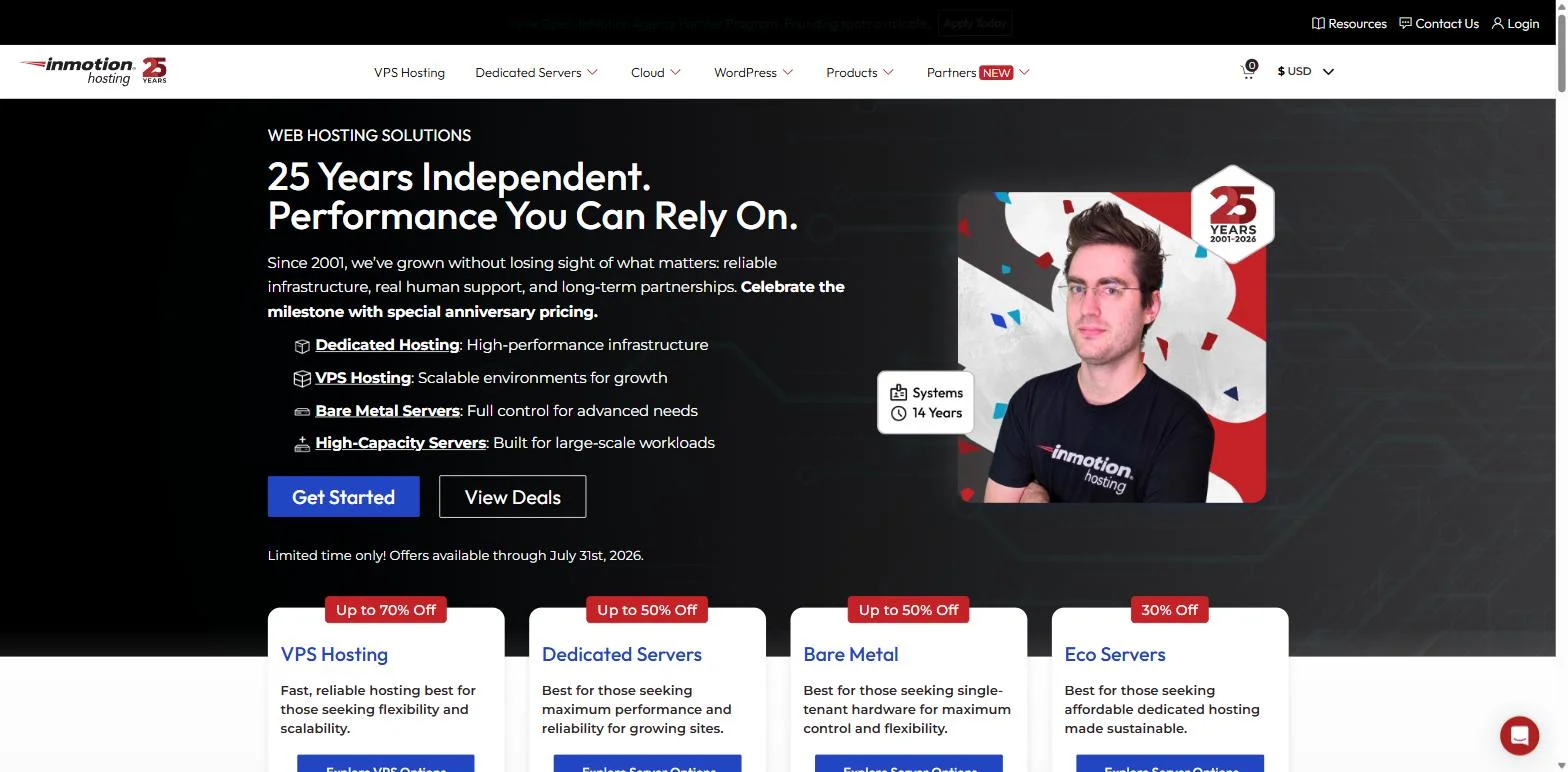
InMotion Hosting shared plans pair cPanel with NVMe storage and more generous published site limits than most entry plans in this list. Launch supports two websites and 100 GB of storage. Power supports 10 websites and 200 GB. Pro supports 40 websites, 300 GB, 2 vCPU cores, 4 GB of RAM, a dedicated IP address, and WHM access for up to four client cPanel accounts.
InMotion also includes tools that are unusual on basic shared hosting. Its current page lists SSH, Git, Node.js, Python, Ruby, WP-CLI, MySQL, and PostgreSQL. These remain managed shared accounts without root access, but they cover more development workflows than a PHP-only plan.
The long refund window is another practical difference. InMotion advertises a 90-day full money-back guarantee and a free migration using one cPanel or WordPress backup. Launch promotions start around $4.79 or $4.99 per month equivalent on prepaid terms, with published renewal rates around $13.99 to $14.99 for those terms. Month-to-month pricing is higher.
Backups should not be inferred from the refund period or migration offer. The plan table describes Backup Manager as available, so check whether the backup schedule you want is included or added separately.
Best fit: a small agency or developer who wants cPanel, substantial storage, SSH, and modern runtime tools without administering a VPS.
Check before ordering: compare the prepaid total, renewal rate, and backup option. Launch support is chat and ticket only, while phone support starts on higher tiers.
5. Hosting.com, formerly A2 Hosting
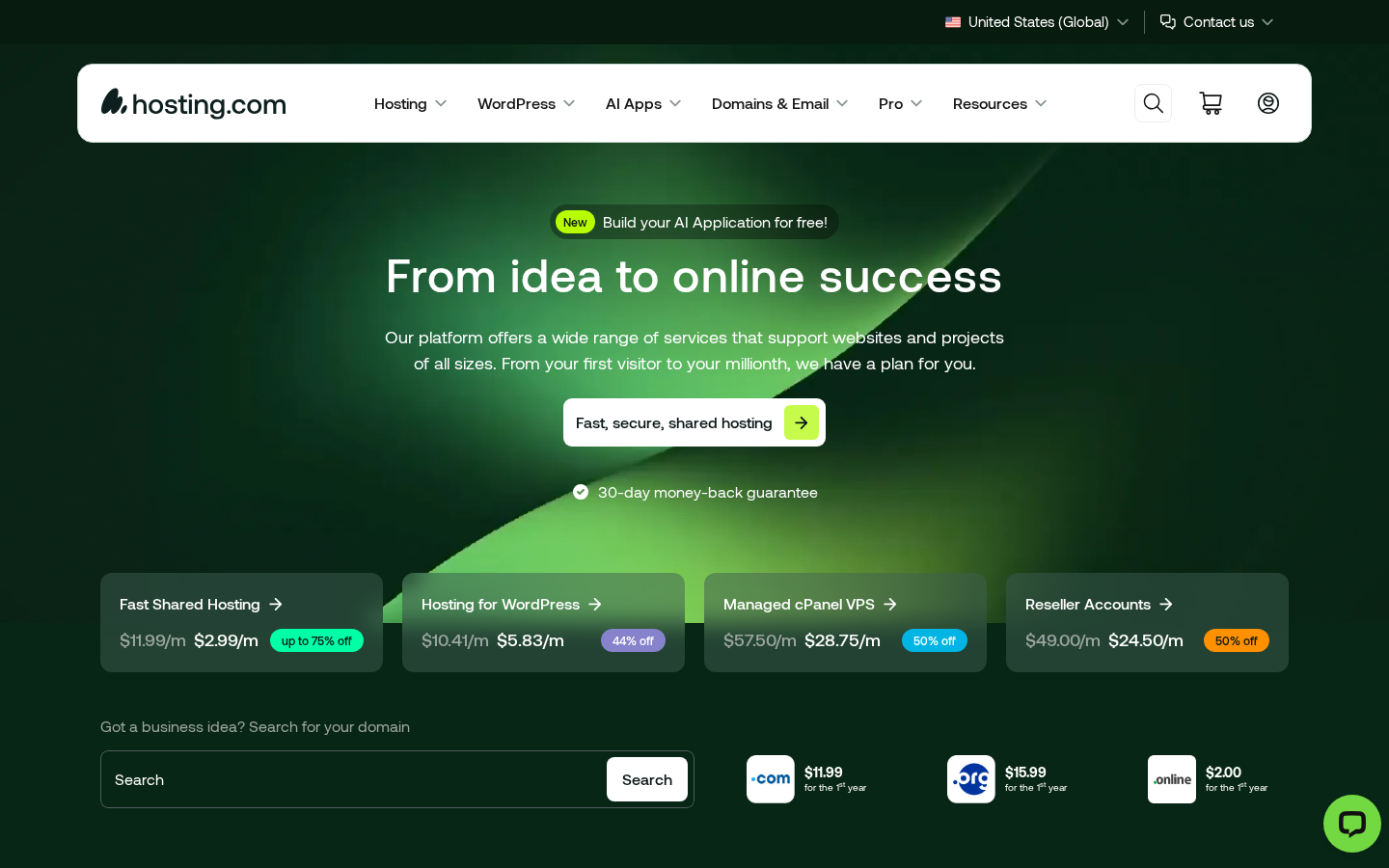
A2 Hosting became Hosting.com in April 2025, not 2026. The company announced the rebrand after its acquisition by World Host Group, while A2 Hosting, LLC remains the legal company trading under the Hosting.com name.
The product split has since changed. Standard web hosting now uses the Hosting.com panel. Customers who specifically want cPanel must choose Pro cPanel Hosting. That dedicated line includes the full cPanel interface, LiteSpeed on NVMe storage, MariaDB, Softaculous, domain email, daily backups with 30 days of restore points, free SSL, and migration assistance. Hosting.com advertises a 30-day money-back guarantee for new shared-hosting purchases.
This is an important distinction for old A2 comparisons. A review that says "A2 Hosting includes cPanel" may describe an existing account or an earlier lineup. In 2026, the product name at checkout decides which panel a new customer receives.
Best fit: a cPanel user moving from another host who wants a managed LiteSpeed stack and provider-assisted backup-and-restore migration.
Check before ordering: select Pro cPanel Hosting explicitly. The cheaper or more prominent standard web-hosting path may use Hosting.com's own control panel instead.
6. Namecheap
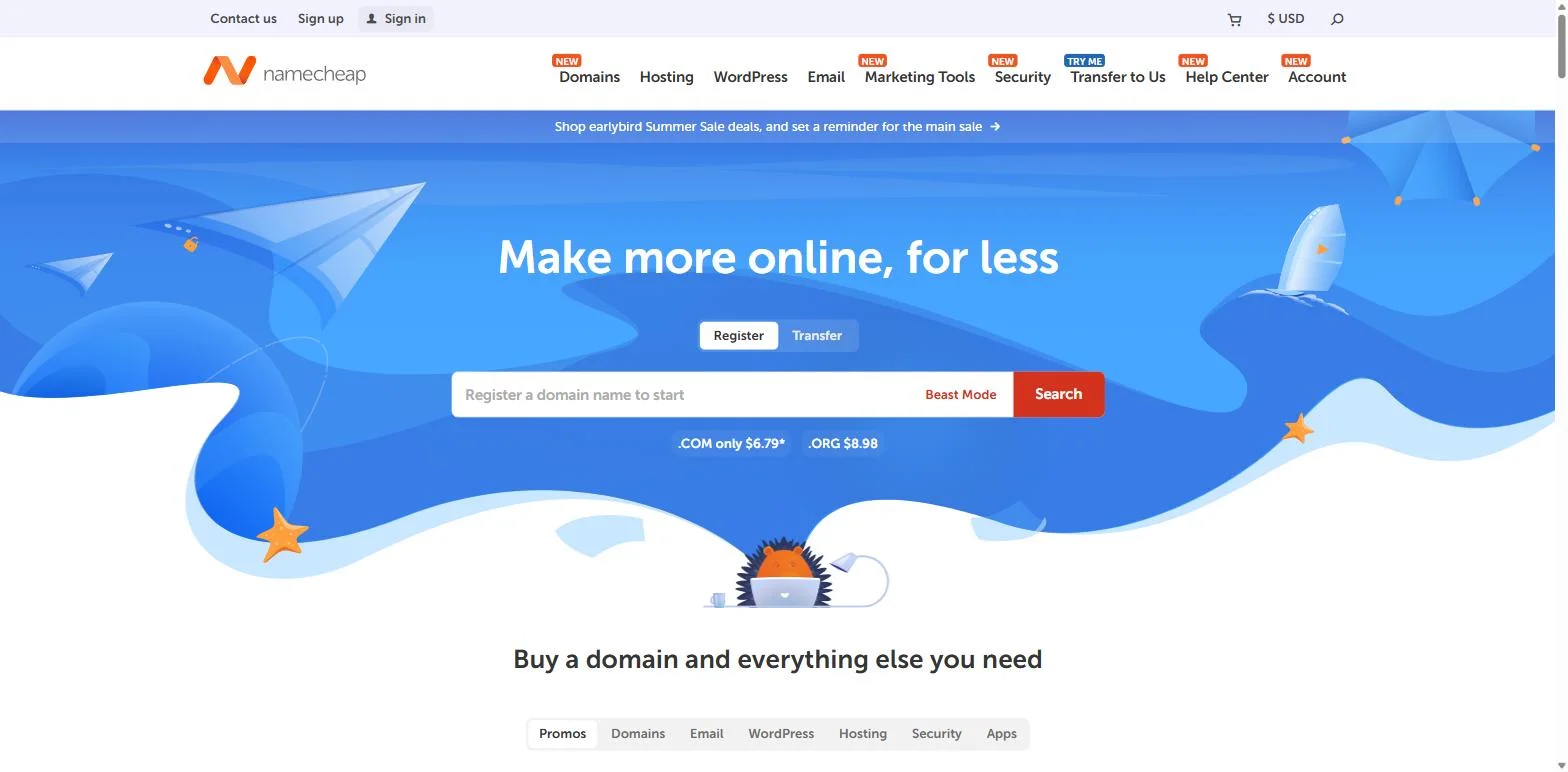
Namecheap shared hosting uses cPanel and Softaculous across its Stellar, Stellar Plus, and Stellar Business plans. The entry Stellar plan supports three websites and includes 20 GB of SSD storage. It is advertised at $1.91 per month for the first year, billed as $22.92, and currently renews at $55.88 per year. A month-to-month renewal is $5.88.
Those renewal numbers changed on May 19, 2026. Namecheap published the new shared-hosting renewal table rather than making customers reconstruct it from a discount percentage. Stellar Plus renews at $85.44 per year and Stellar Business at $128.88.
Backup coverage differs by tier. Namecheap says Stellar Plus and Business receive cPanel AutoBackup with daily, weekly, and monthly restore points. The hosting policy describes a less extensive internal schedule for entry-level Stellar accounts. The current refund policy gives first-time shared-hosting accounts 30 days.
Namecheap also publishes shared-account resource limits in its hosting acceptable-use policy. Physical memory is 1 GB on a standard shared account and 2 GB on Stellar Plus and Stellar Business, with separate CPU, process, and I/O limits. That transparency makes it easier to judge whether a busy plugin stack still belongs on shared hosting.
Best fit: a Namecheap domain customer, personal site, or small business that wants inexpensive cPanel hosting and one account for domains and hosting.
Check before ordering: entry-level backups are not the same as the AutoBackup policy on Plus and Business, and the free standard SSL offer has a one-year term.
7. GoDaddy
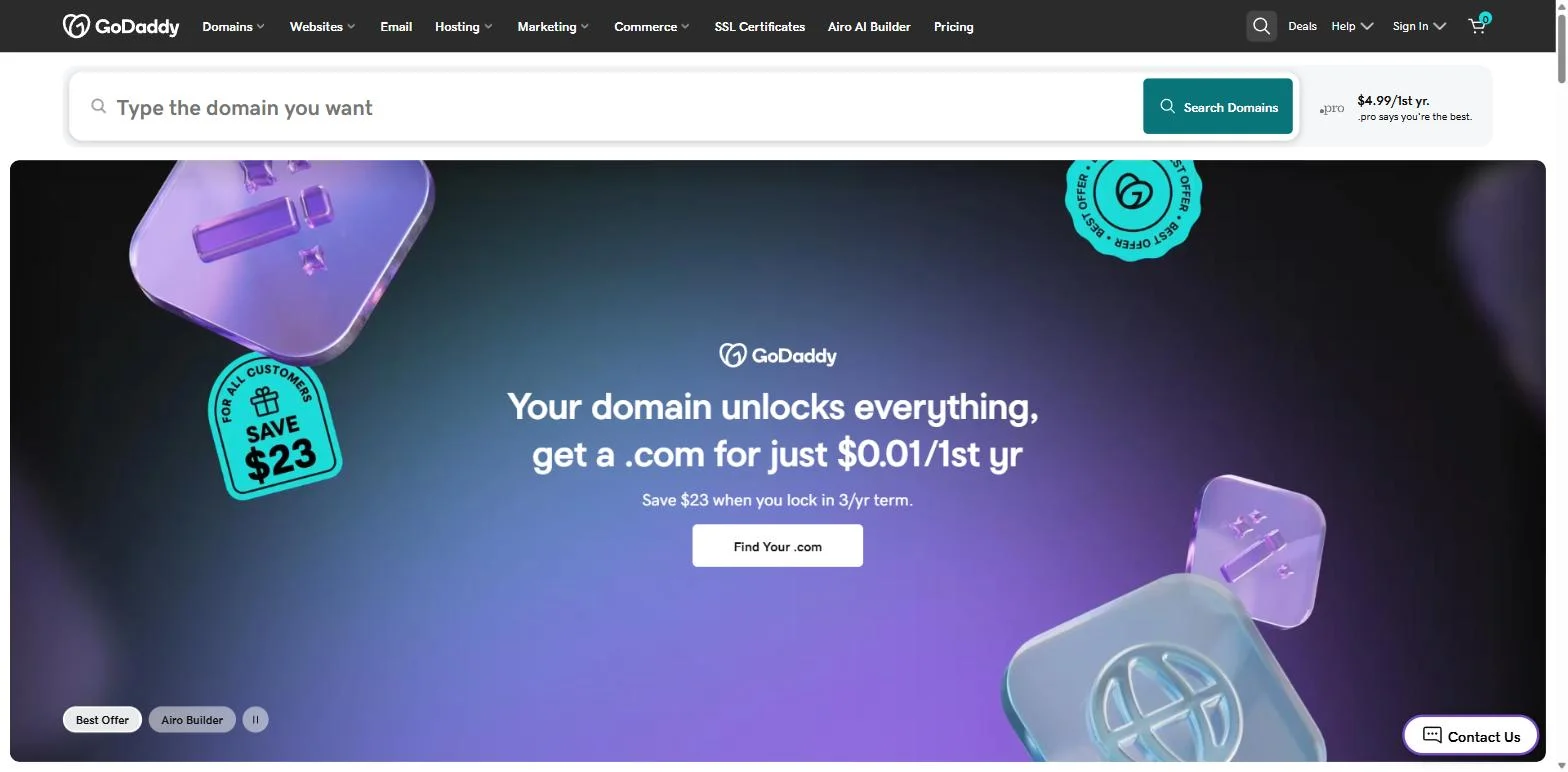
GoDaddy Web Hosting uses cPanel on its Linux shared plans. Current regional product pages list NVMe storage, AutoSSL, daily account backups, unmetered bandwidth, CloudLinux resource controls, a 99.9% uptime promise, and an automated migration tool. The higher Web Hosting Plus range offers guaranteed processing and memory resources for sites that have outgrown ordinary shared allocation.
GoDaddy's plan names, prices, included email, and SSL terms vary by country. For example, current product pages in some markets list Starter, Economy, Deluxe, and Ultimate, while older comparison material still refers to Maximum. Use the localized checkout for the country that will own and pay for the account.
The refund wording also deserves a direct look. The hosting page advertises 30 days, while GoDaddy's May 2026 refund policy gives annual plans 30 days and monthly plans only 48 hours under its standard terms. The policy also contains product-specific exceptions, so a monthly purchase should not be treated as a 30-day trial without checking the applicable regional terms.
Best fit: a small business that already uses GoDaddy for domains and prefers to keep hosting, billing, and account support with the same large vendor.
Check before ordering: compare the localized renewal price, SSL duration, mailbox terms, refund window, and site limit. They are not uniform across markets.
What to compare before choosing
The word "cPanel" answers only the interface question. These details usually matter more after the first week:
- The exact product: Bluehost Cloud has no cPanel, and Hosting.com's standard web hosting uses its own panel. Product families can mix control panels.
- The full first invoice and renewal: multiply the monthly equivalent by the prepaid term, add tax and domain costs, then record the regular renewal price.
- CPU, memory, processes, and I/O: "unmetered bandwidth" says little about how many PHP workers or concurrent requests the account can handle.
- Backup frequency and restore method: check retention, offsite storage, database and mailbox coverage, self-service restore, and any restore fee.
- Email and SSL after year one: a free first-year mailbox or certificate can become a separate renewal charge.
- Migration scope: ask whether the provider moves files only or also transfers databases, mailboxes, DNS zones, cron jobs, certificates, and account settings.
- Server location and support hours: a familiar panel does not shorten network distance or guarantee that an experienced technician is available when the site fails.
Take screenshots of the product summary and renewal terms before paying. Hosting pages change more often than most buyers revisit them.
When a VPS is the better answer
cPanel shared hosting is usually the simpler choice for WordPress and conventional PHP applications. The provider maintains the operating system, web server, mail stack, and cPanel license. You work inside the account limits.
A VPS becomes the better fit when you need root access, Docker, custom system services, unusual extensions, a private network layout, or predictable server-level resources. Some shared hosts expose Node.js or Python tools, as InMotion does, but that is not the same as controlling the runtime and operating system.
Running cPanel on a VPS also changes the economics. The cPanel license may cost extra, and you remain responsible for administration unless the VPS is explicitly managed. Our shared hosting vs VPS comparison covers that boundary in more detail. The companion article on whether cPanel is still the best control panel in 2026 compares cPanel with Plesk, CloudPanel, HestiaCP, CyberPanel, and DirectAdmin.
Which provider should you shortlist?
QDE is the most direct fit here for monthly EU cPanel hosting with a dedicated IPv4 address. Bluehost has the clearest WordPress-first onboarding, but cPanel sits behind its portal and is absent from Bluehost Cloud. HostGator remains a promotional-price option, provided you verify the current plan and renewal table.
InMotion is the strongest starting point for agencies and developers who want SSH, modern runtime tools, larger storage allocations, and a long refund period. Hosting.com is worth considering for LiteSpeed and cPanel migration, but only through its separate Pro cPanel Hosting product. Namecheap is attractive for inexpensive small sites and existing domain customers. GoDaddy suits businesses that value having one vendor for domains and hosting more than having the simplest pricing sheet.
No provider wins every category. Pick two that match the site, compare their final checkout and renewal totals, then ask both the same questions about backups, resource limits, migration, and support.
Want a month-to-month cPanel account in Amsterdam, or help deciding whether your application needs a VPS instead? Contact the QDE team with the sites, mailboxes, and software you plan to run.
Frequently asked questions about cPanel web hosting
Is cPanel hosting still worth it in 2026?
Yes, when you want a familiar Linux hosting interface and expect to move between conventional shared hosts. The panel is mature and widely documented. It is less important than the provider's resource limits, backups, support, and renewal terms, and it does not suit applications that need root access or a custom server stack.
Does every plan from these providers include cPanel?
No. Bluehost Cloud does not include cPanel. Hosting.com uses its own panel for standard web hosting and sells cPanel through a separate Pro cPanel Hosting product. VPS and dedicated plans from several providers may also price the cPanel license separately. Check the exact product, not just the brand.
Can I move a full cPanel account to another provider?
Usually, but the destination host often has to perform the full restore through WHM. A customer can create and download a full account backup when the host enables that interface, but cPanel does not give ordinary account users an automatic full-backup restore button. Ask the new provider what its migration includes and test mail, DNS, cron jobs, databases, and certificates after the move.
Which cPanel host is the cheapest?
That changes with promotions, terms, taxes, and regions. Namecheap displayed the lowest first-year monthly equivalent in this group on July 25, 2026, but it requires annual prepayment and renews at a higher rate. QDE starts at €2.95 per month with monthly billing and no introductory jump. Compare the total over the period you expect to stay, not the largest sale number.
What does QDE cPanel shared hosting include?
Every QDE shared plan includes cPanel, a dedicated IPv4 address, daily offsite backups, MariaDB with phpMyAdmin, TLS certificates, WordPress management, and per-site PHP selection from 8.2 through 8.5. Plans are billed monthly, include a 99.9% uptime SLA, and have a 14-day money-back guarantee under the current terms.