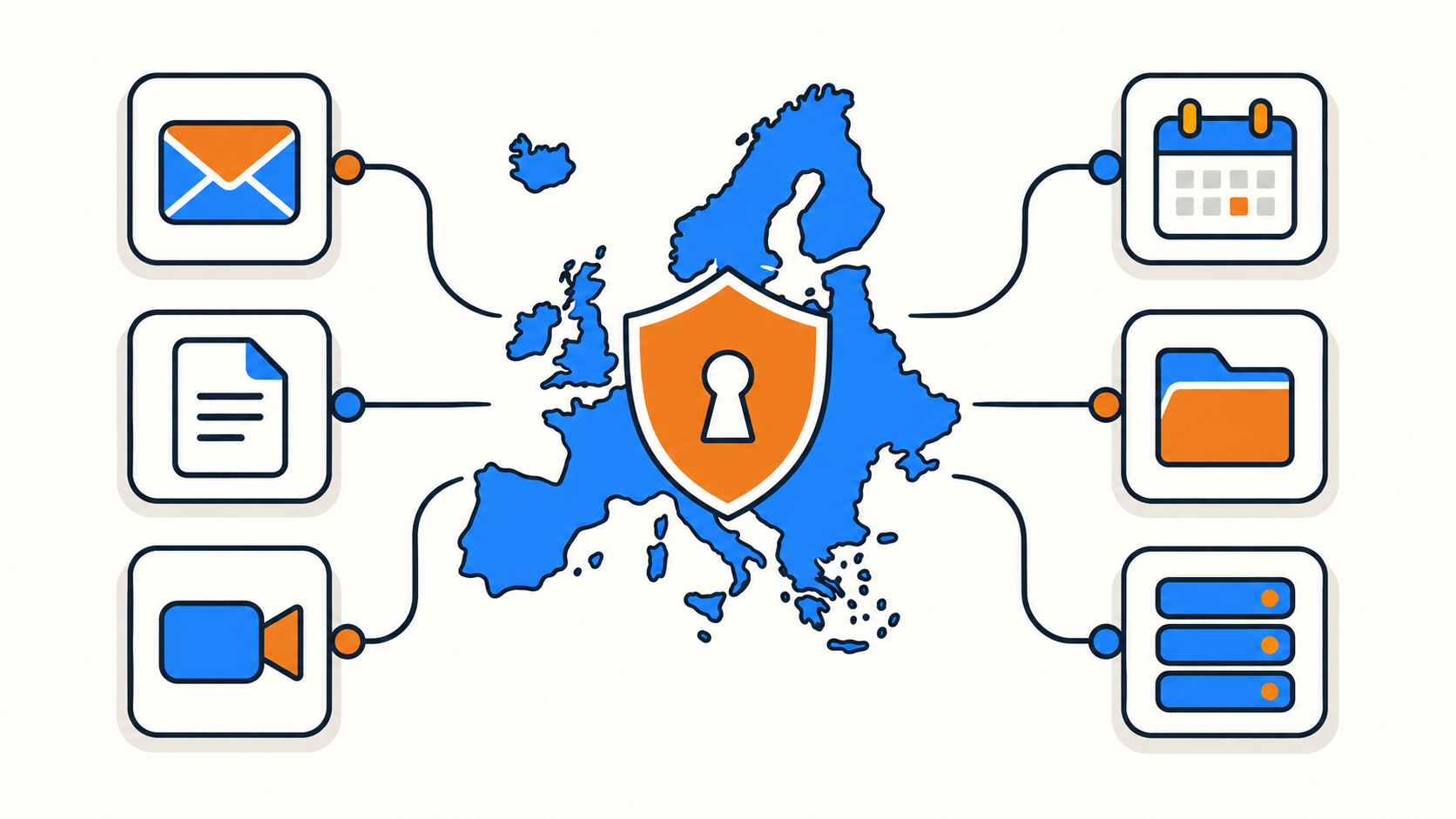
Google Workspace is the default for a lot of teams, and it earned that position: it's polished, familiar, and deeply integrated with everything else people already use. For most businesses, that's enough.
For teams specifically trying to keep their data under European jurisdiction, though, "familiar" and "sufficient" aren't the same thing. Transfers to certified US providers do currently have a legal basis under the EU-US Data Privacy Framework, so this isn't a question of transatlantic transfers being unlawful. The hesitation is that the Framework is the third such arrangement after the previous two were struck down, it remains under appeal at the EU's highest court, and a US-headquartered provider stays subject to US legal process regardless of which region its servers sit in.
Here are six European alternatives worth shortlisting, what each one is actually good at, and the details worth checking before you migrate a whole team.
Quick comparison
| Platform | Headquartered in | Known for | Good fit if you want |
|---|---|---|---|
| Proton | Switzerland | End-to-end encrypted mail, calendar, drive, and docs | Maximum privacy by default |
| Tuta | Germany | Zero-access encrypted email and calendar | A lean, security-first inbox |
| Infomaniak kSuite | Switzerland | A full productivity suite on climate-neutral Swiss data centers | An all-in-one Workspace replacement |
| Mailbox.org | Germany | Privacy-focused email with office document integration | Email-first teams that still need docs |
| OVHcloud | France | Hosted Exchange and collaboration tools | A familiar Exchange or Outlook workflow |
| Nextcloud | Germany (open source, self-hosted) | Files, docs, chat, mail, and calendar in one open platform | Full control, including self-hosting |
What to evaluate beyond "does it have email and docs"
Every option below can replace Gmail. Document collaboration is where they genuinely diverge, and so are the other differences that determine whether a migration sticks.
Jurisdiction matters more than geography. "European servers" and "European jurisdiction" are different claims, and only the second one determines which government can compel disclosure. If your assessment depends on the current state of EU-US transfer rules, that's worth re-checking periodically rather than treating as settled. Switzerland sits outside the EU with its own framework, Germany and France are EU member states under GDPR plus national implementing law, and those distinctions can matter depending on what you're trying to protect against.
Encryption model is the other big differentiator. Some platforms here use end-to-end or zero-access encryption by default, meaning the provider itself can't read stored content. Others use standard encryption at rest, which protects against a stolen disk but not against a lawful disclosure order. Neither is wrong, but they answer different threat models and it's worth knowing which one you're buying.
Beyond those two, the practical checks are document collaboration depth (real-time co-editing, comments, and version history vary a lot across these platforms), migration tooling for existing Gmail and Calendar data, custom domain support so your addresses stay on your own domain, and admin controls if you need to manage more than a handful of accounts centrally.
1. Proton
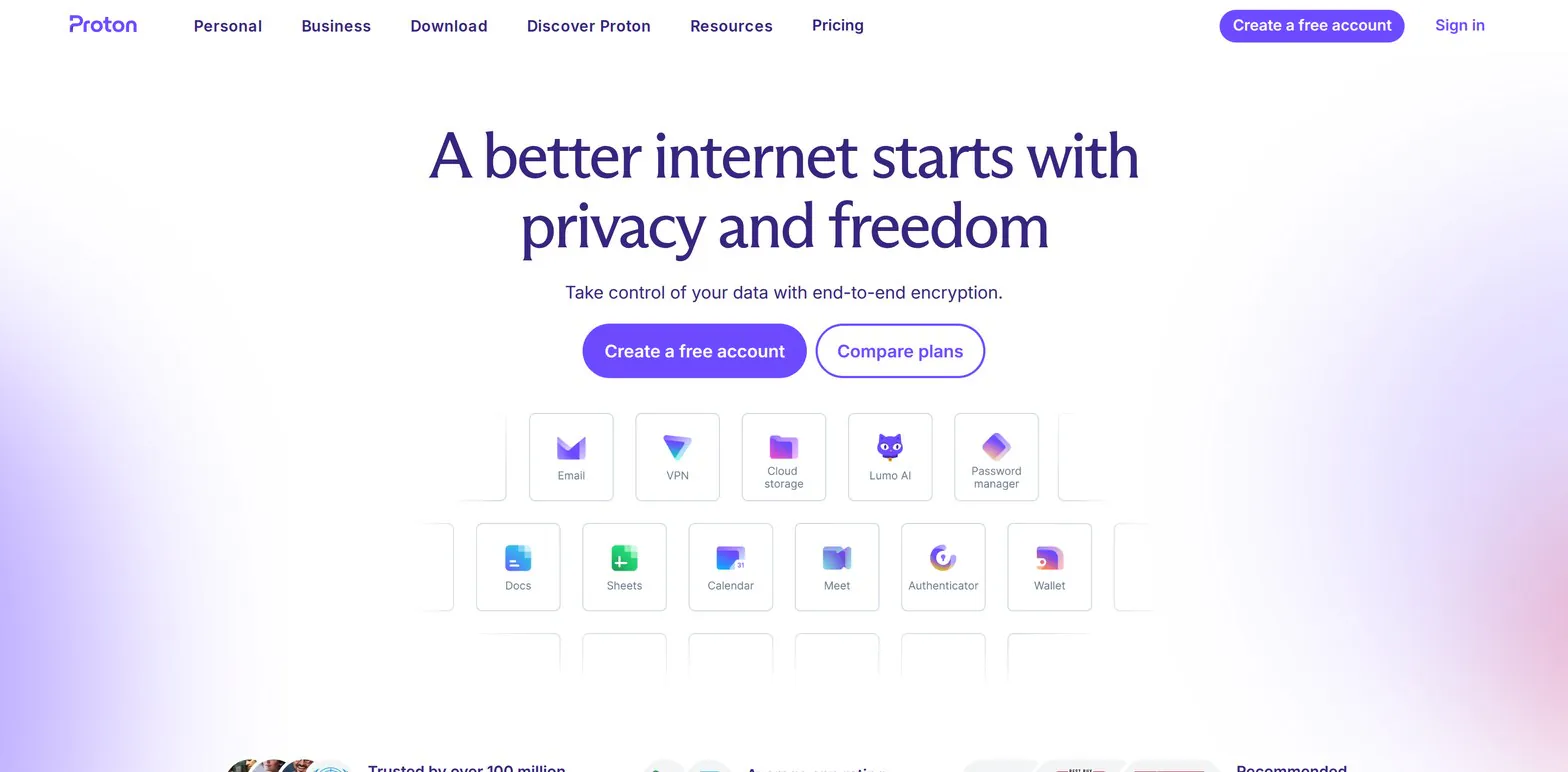
Proton built its reputation on end-to-end encrypted email and has since expanded into a full Swiss-based suite covering Mail, Calendar, Drive, and Docs, alongside its VPN product. The encryption model is the point: content is encrypted in a way that Proton itself can't read, which changes what's even possible to hand over in response to a legal request.
The tradeoff with any end-to-end encrypted platform is that some conveniences get harder. Server-side full-text search across encrypted mail, third-party client compatibility, and certain integrations work differently than they do with a conventional provider. For teams that want privacy as the default rather than a setting, that's usually an acceptable trade.
2. Tuta
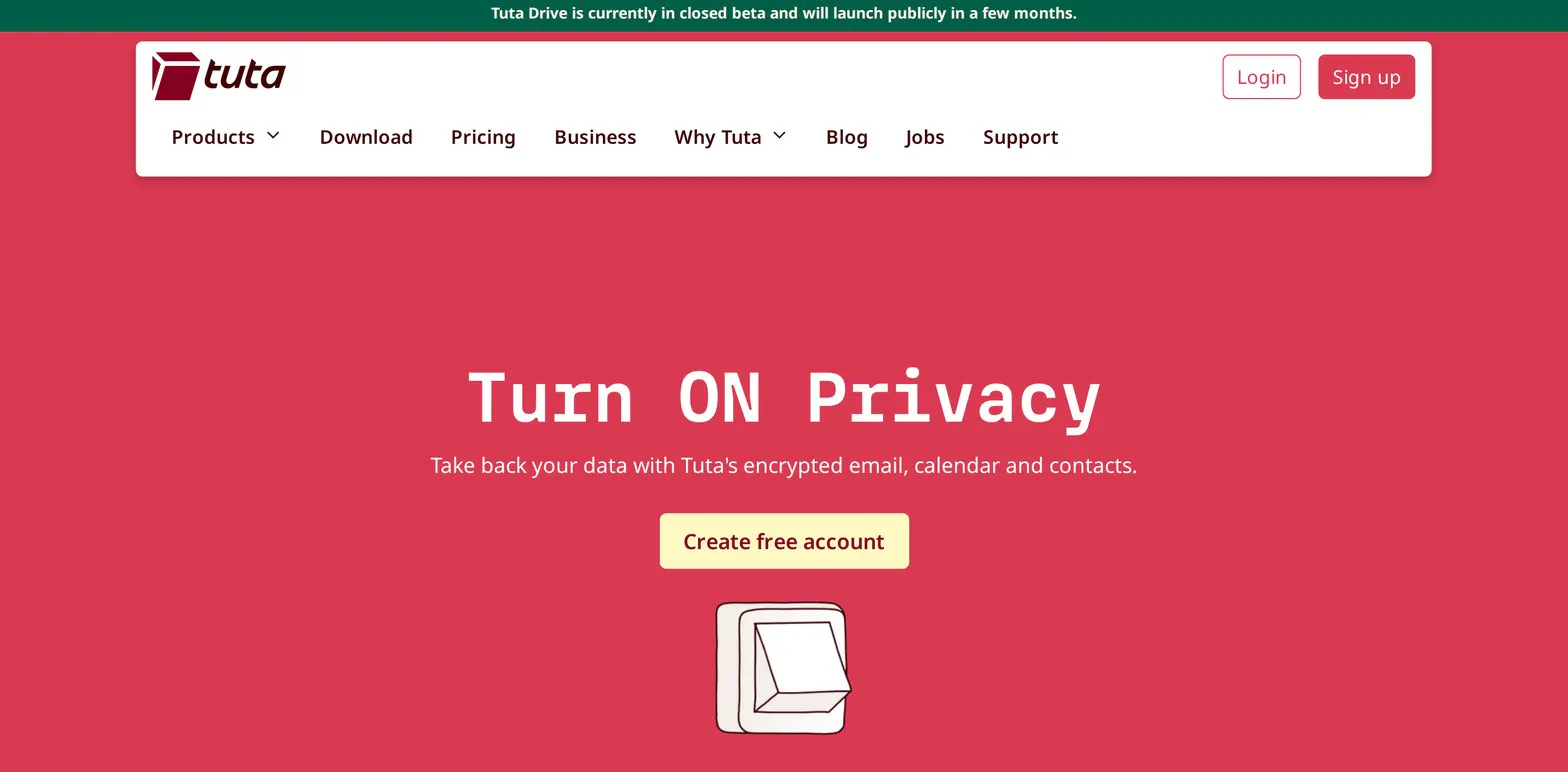
Tuta (formerly Tutanota) is a German provider built around zero-access encryption for mail and calendar, meaning stored data isn't readable by Tuta either. It's deliberately narrower than a full office suite, closer to a security-first inbox with a calendar attached.
That narrower scope is the reason to pick it or skip it. If your team genuinely needs collaborative document editing inside the same product, Tuta isn't the answer. If email and calendar are the actual requirement and documents live elsewhere, it's a focused, affordable option without a lot of surface area you won't use.
3. Infomaniak kSuite
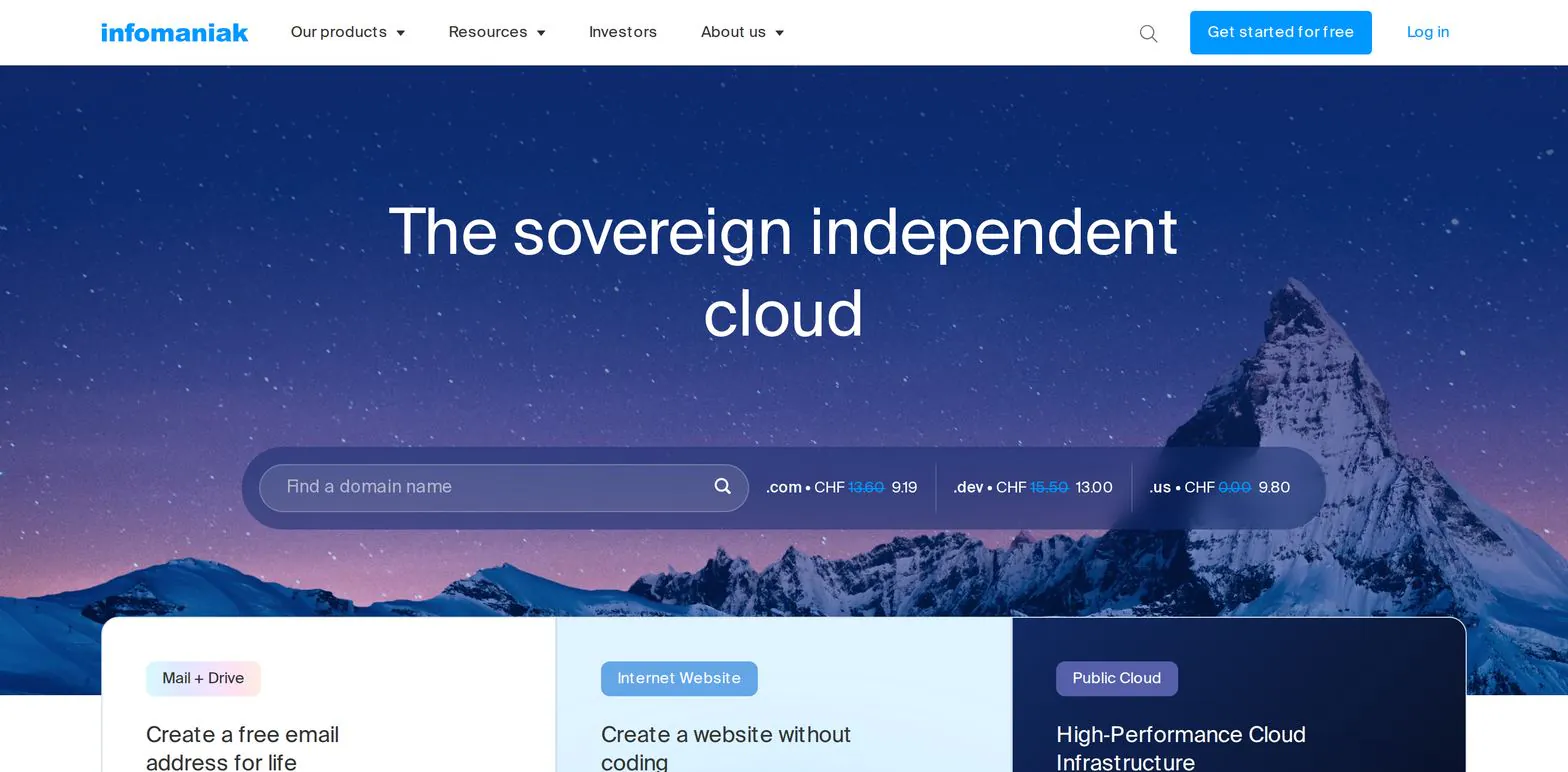
Infomaniak is a long-established Swiss provider, and its kSuite product is the closest one-to-one Google Workspace replacement on this list: mail, drive, video meetings, collaborative documents, and calendar bundled into a single product with unified admin controls.
It's also the option that leans hardest into infrastructure transparency, running on Swiss data centers with a well-documented environmental profile. For teams replacing Workspace wholesale rather than piece by piece, breadth matters more than encryption purity, and this is where that breadth lives.
4. Mailbox.org

Mailbox.org is a German privacy-focused email provider that pairs a secure inbox with office document editing through an integrated open-source office suite. It has a long track record and a pricing model that stays reasonable as seat counts grow.
It fits email-first teams particularly well: organizations where the inbox and calendar carry most of the daily workload and document collaboration is occasional rather than constant. If your team lives in shared documents all day, one of the fuller suites will feel less constrained.
5. OVHcloud
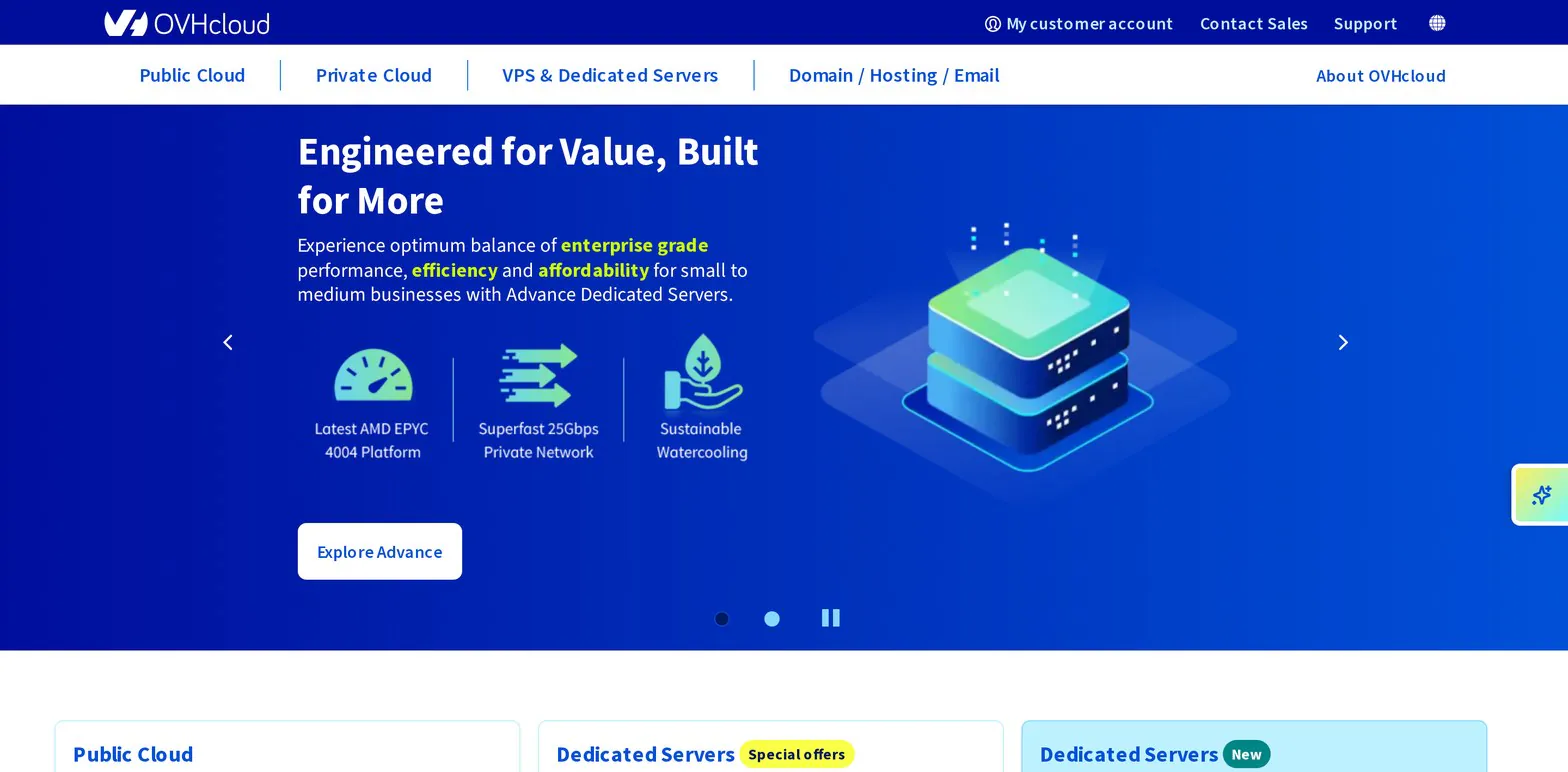
OVHcloud is a much larger France-headquartered infrastructure company that also sells hosted Exchange and collaboration products. Its advantage here is familiarity: an Exchange-based setup means Outlook works the way your team already expects, which removes a real chunk of migration friction.
The tradeoff is that collaboration features are more conventional than what the privacy-first providers offer, and OVHcloud's product catalog is broad enough that email is one line item among many rather than the company's central focus. For organizations that want EU jurisdiction without retraining anyone, that's often the right compromise.
6. Nextcloud
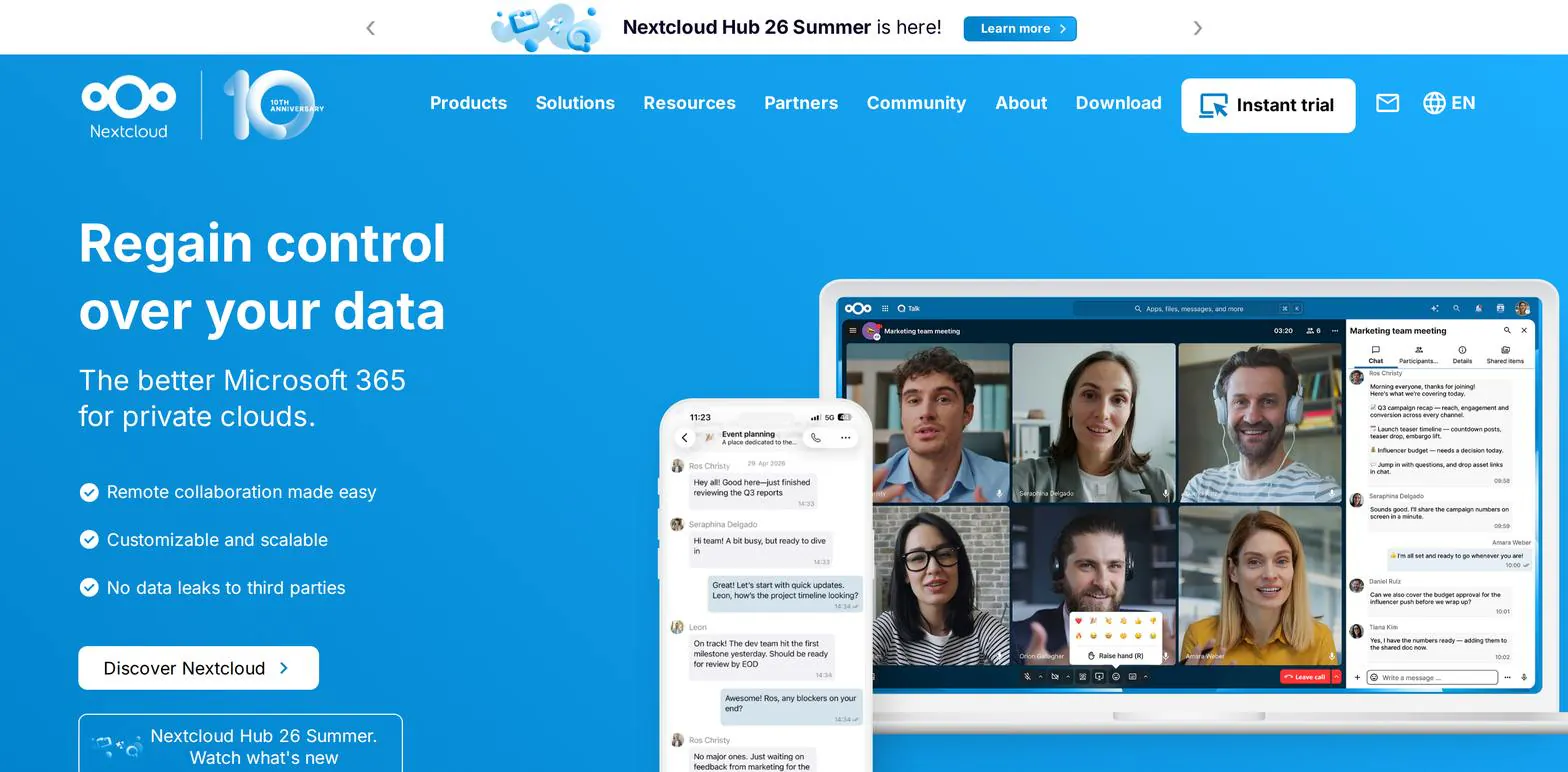
Nextcloud is German open-source software rather than a single hosted product, covering files, documents, chat, video calls, mail, and calendar in one platform. The full suite is branded Nextcloud Hub, which is what the numbered releases are called and is free and open source in its own right, not a paid tier; the commercial offering is a separate Enterprise subscription for organizations that want vendor support. You can run it on your own server, much like any other self-hosted app, or use any of the many European providers that offer it hosted.
This is the option with the most control and, if you run it yourself, the most responsibility. Self-hosting means you decide where data lives, which version you run, and who has access, and it also means you own updates, backups, and uptime. Teams with some technical capacity often find that trade worthwhile. Teams without it usually don't, which is what the hosted route is for: the same feature set with someone else carrying the operational load.
Migrating without losing your existing data
All six support importing mail, contacts, and calendar data from Google Workspace, but import completeness varies more than the marketing pages suggest. Labels, nested folders, shared calendar permissions, and attachments above certain sizes are the usual places where things quietly go missing.
Run a test migration with one non-critical mailbox before committing the whole team. Check that folder structure came across, that calendar events kept their invitees and recurrence rules, and that a handful of older messages with attachments still open correctly. An hour spent here saves a great deal of cleanup later.
Plan for a period of overlap rather than a hard cutover. Keeping the old accounts accessible in read-only form for a few weeks costs very little and gives you a fallback if something turns out to be missing after the switch. Also budget time to update the places your email address is embedded: DNS records, transactional email settings, and any service using it for account recovery.
Wrapping up
There isn't a single best European alternative to Google Workspace, because the platforms here optimize for genuinely different things. Proton and Tuta lead on encryption, Infomaniak and OVHcloud lead on breadth and familiarity, and Nextcloud leads on control.
What matters more than the choice itself is verifying the two claims that actually drive most of these decisions: which country's law governs the data, and whether the provider can technically read what you store. "Based in Europe" isn't a uniform answer to either question.
Thanks for reading! If you're rethinking your broader stack alongside your email provider, QDE runs unmanaged KVM VPS hosting from a Tier III data center in Amsterdam, with dedicated resources and GDPR-compliant infrastructure by default, which also makes it a straightforward place to run a self-hosted app like Nextcloud entirely under EU jurisdiction.
Ready to see if it fits your project? Contact our team with any questions.
Frequently asked questions about European Google Workspace alternatives
Does using a European SaaS provider guarantee GDPR compliance?
No. It addresses one piece, which jurisdiction governs your data, but your business remains responsible for its own lawful basis for processing, security practices, and handling of data subject requests. You'll also still need a data processing agreement with the provider.
Is Proton or Tuta better for encrypted email?
Both use encryption models where the provider can't read stored content, so the real difference is scope. Proton bundles drive, docs, and calendar into a wider suite, while Tuta stays focused on mail and calendar at a lower price point.
Can I migrate my existing Google Workspace data to one of these alternatives?
Yes, all six support importing mail, contacts, and calendar data to varying degrees. Folder structures, shared calendar permissions, and large attachments are the most common things to lose in transit, which is why a single-mailbox test migration is worth doing first.
Do these alternatives support custom domains like Google Workspace does?
Yes, all six support connecting your own domain for business email. Setup generally involves adding MX records plus SPF, DKIM, and DMARC records, and it's worth confirming the provider documents that process clearly before you commit.
Are European alternatives always more expensive than Google Workspace?
Not necessarily. Tuta and Mailbox.org are often cheaper per seat than comparable Workspace tiers, while full suites with generous storage can cost more. Self-hosted Nextcloud shifts cost from licensing to infrastructure and your own time, which can land either way depending on how you value that time.
Does switching providers actually change where my data is processed?
It can, but only if you verify it. Confirm which specific country each provider's data centers are in, and whether any sub-processors sit outside that jurisdiction, since "European provider" doesn't always mean every part of the processing chain stays in Europe.