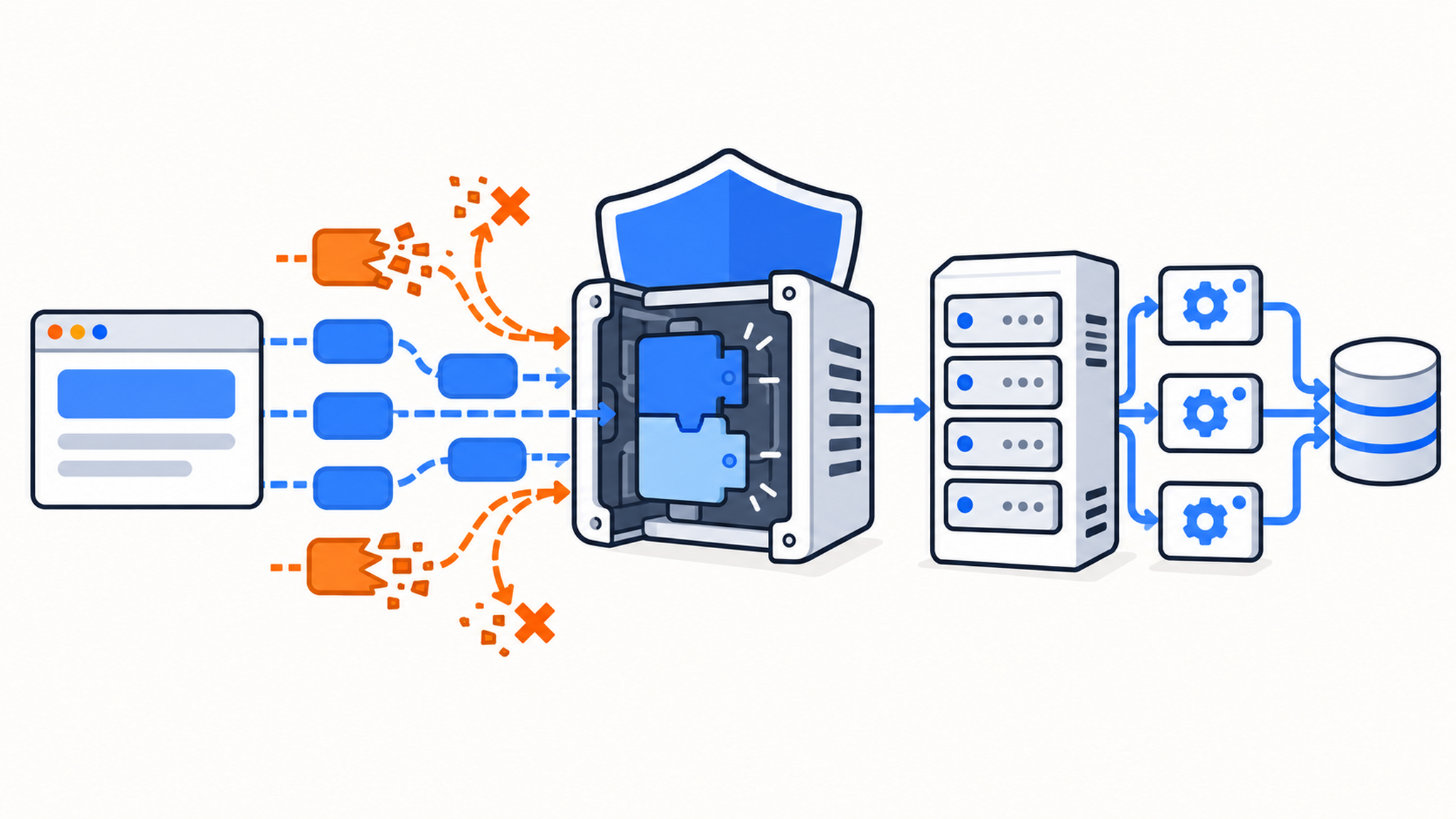
PHP released emergency fixes on October 21, 2026 for two critical vulnerabilities, CVE-2026-109618 and CVE-2026-109619. The flaws, commonly called PHP2Shell, can lead to unauthenticated remote code execution in the PHP runtime. PHP rates both 9.2 under CVSS v4.0.
QDE has patched its cPanel Shared Hosting servers, billing system, and customer control panel. Shared Hosting customers do not need to update the PHP runtime themselves. If you run PHP on a QDE VPS or dedicated server, the operating system is under your control, so you need to install the appropriate vendor update and restart every PHP worker.
Package and advisory status in this guide was checked on October 27, 2026.
What PHP2Shell actually affects
These vulnerabilities are in PHP itself. Updating WordPress, Laravel, Symfony, or another application does not patch the runtime underneath it.
CVE-2026-109618 concerns PHP's out-of-memory handling. PHP can abandon request setup while internal data is only partly initialized, after which request cleanup treats that invalid state as usable. The PHP team demonstrated code execution over HTTP against Apache mod_php, where the vulnerable path can run before application code starts. PHP-FPM is also considered affected, although the confirmed paths and their reliability differ because an FPM child exits after some startup failures.
CVE-2026-109619 concerns request-owned state that survives after its memory has been freed. A later request handled by the same worker can consume that stale state. The PHP advisory documents confirmed code-execution paths against mod_php and PHP-FPM.
Successful exploitation runs code with the PHP worker's privileges. That account can usually read application files and secrets, connect to databases, and change web content even without root access. The impact warrants an emergency update.
Exploit material circulated before the coordinated disclosure. AWS found an attempted exploitation event dating to October 17 and multiple proofs of concept before the October 21 embargo lifted; AWS and Cloudflare both observed attack traffic. The reliability of public exploit code varies by PHP build, extensions, allocator, web server, and application behavior. Patch against the vendor advisory regardless of how well a public proof of concept works on your exact build, and review systems that were exposed before patching for signs of compromise.
Fixed upstream PHP releases
The first upstream releases containing the complete fixes are:
| PHP branch | Fixed release |
|---|---|
| PHP 8.5 | 8.5.12 |
| PHP 8.4 | 8.4.27 |
| PHP 8.3 | 8.3.36 |
| PHP 8.2 | 8.2.35 |
PHP 8.2 reaches end of life on December 31, 2026. Plan a move to a supported branch even after installing 8.2.35.
PHP 8.1 and older no longer receive normal releases from the PHP project. PHP published minimal source backports for 7.4, 8.0, and 8.1, and several operating-system and control-panel vendors have shipped their own backported packages. In those cases, a patched build can retain an old upstream version number. Check the full package revision and the vendor advisory instead of relying only on php -v.
A separate October 23 advisory
Two days after the PHP2Shell releases, PHP disclosed CVE-2026-115560, a separate session-upload-progress issue. The October 21 releases listed above do not fix it. Exploitation requires an unusual combination: upload progress is enabled, session.serialize_handler starts as php_binary or php_serialize, and application code changes it to php before calling session_start().
PHP plans to fix CVE-2026-115560 in the next regular bug-fix release. Until that release is installed, PHP recommends setting session.upload_progress.enabled=0. Apply the setting in startup configuration and restart every worker. Applications that never change the serialization handler at runtime are not exposed to this separate issue.
What QDE has patched
QDE applied the fixes for CVE-2026-109618 and CVE-2026-109619 to the systems we manage, including:
- cPanel Shared Hosting servers and their hosted PHP versions;
- the QDE billing system;
- the QDE customer control panel.
If your site is on QDE Shared Hosting, no customer action is required for the two PHP2Shell fixes. You should still keep your CMS, plugins, themes, and application dependencies current because those are separate from PHP2Shell.
QDE VPS and dedicated-server services are unmanaged. We maintain the physical infrastructure, network, and virtualization layer, while you maintain packages inside your server. Follow the relevant section below and open a support ticket if you are unsure which package source your server uses.
Before you update
Identify how PHP was installed before changing repositories or release streams:
php -v
command -v php

# Debian or Ubuntu
apt-cache policy php php8.2-cli php8.3-cli php8.4-cli php8.5-cli

# RHEL, AlmaLinux, Rocky Linux, or CentOS Stream
dnf module list php
rpm -qf "$(command -v php)"
Take a current backup or snapshot, especially before switching PHP branches. Updating within the same distribution branch is usually the least disruptive route. Moving from PHP 8.2 to 8.4 or 8.5 can expose application and extension incompatibilities, so do not combine a security patch with a branch migration unless your current source has no fixed package.
Patch Debian 12 or Debian 13
Debian has published fixed packages for both supported releases. DLA-4848-1 fixes Debian 12's php8.2 packages in 8.2.35-1~deb12u1, and DSA-6574-1 fixes Debian 13's php8.4 packages in 8.4.27-1~deb13u1.
If you use Debian's packages, make sure the security repository is enabled, review the proposed changes, and upgrade:
sudo apt update
apt list --upgradable
sudo apt upgrade
Debian kept the branch shipped with each release, so you do not need to add a third-party repository just to receive this fix.
If your server already uses Ondřej Surý's PHP repository, the same update commands install its patched build for your selected branch. Do not add that repository to a working Debian installation merely to make the number reported by php -v newer.
Patch Debian 11
Debian 11 reached the end of LTS support on August 31, 2026. Debian will not publish a PHP2Shell update for its PHP 7.4 packages. Upgrading the operating system is the durable fix.
If you need a short bridge while preparing that upgrade, a supported commercial extended-lifecycle service is the safer option. Ondřej Surý's public repository was also still publishing Bullseye packages when this guide was checked. Its PHP 7.4 build 1:7.4.33-31+0~20261021.121+debian11~1.gbpe9c428 contains the PHP2Shell backport. This is a third-party package source on an end-of-life operating system, so test it and schedule the Debian upgrade rather than treating it as renewed platform support.
Bullseye's official repositories contain no PHP2Shell fix. Their address does not need to change merely because LTS ended. To use the public Sury build as a temporary measure, add the repository using its published setup method:
sudo apt update
sudo apt install lsb-release ca-certificates curl
sudo curl -sSLo /tmp/debsuryorg-archive-keyring.deb https://packages.sury.org/debsuryorg-archive-keyring.deb
sudo dpkg -i /tmp/debsuryorg-archive-keyring.deb
sudo sh -c 'echo "deb [signed-by=/usr/share/keyrings/debsuryorg-archive-keyring.gpg] https://packages.sury.org/php/ bullseye main" > /etc/apt/sources.list.d/php.list'
sudo apt update
apt list --upgradable
sudo apt upgrade
Read the package plan before accepting it. If the unversioned php metapackage is installed, it may select a newer PHP branch in addition to the version your application currently uses.
Patch Ubuntu
Ubuntu's USN-8948-1 provides fixed vendor packages for Ubuntu 22.04 LTS, 24.04 LTS, 26.04 LTS, and 26.10. If you use Ubuntu's PHP packages, run:
sudo apt update
apt list --upgradable
sudo apt upgrade
Ubuntu backports the fixes, so the upstream part of the version can remain below 8.2.35, 8.3.36, or 8.5.12. Compare the full installed package version with USN-8948-1.
If you already use Ondřej Surý's PPA, update from that source in the same way. The PPA supports current Ubuntu LTS releases and does not support releases that have moved to Expanded Security Maintenance.
Canonical published a separate Ubuntu Pro/ESM update for Ubuntu 20.04, including PHP 7.4 package 7.4.3-4ubuntu2.29+esm5. Ubuntu 20.04 systems with the relevant Ubuntu Pro service enabled can install that vendor update; otherwise, upgrade the operating system rather than adding an unsupported PPA.
Patch RHEL, AlmaLinux, Rocky Linux, or CentOS Stream
Red Hat, AlmaLinux, and Rocky Linux ship backported PHP fixes under their own package revisions. Red Hat's PHP2Shell security bulletin, AlmaLinux errata, and Rocky Linux errata track affected streams.
For stock distribution packages:
sudo dnf upgrade --refreshCheck the vendor's CVE page for your exact major release and module stream. Red Hat's response was still marked ongoing when this guide was checked, with updates available for some streams and others still in progress. Red Hat also publishes separate errata for standard, Extended Update Support, and other lifecycle streams, so a version fixed in one channel does not prove that every channel is ready.
If your server already uses Remi's repository, the same dnf upgrade --refresh command installs the fixed package for the enabled stream. If you need to change streams, use Remi's configuration wizard and test the application first. dnf module switch-to changes installed packages as well as the enabled stream; it is a migration, not a routine security update.
Patch a self-managed cPanel server
cPanel released patched EasyApache 4 packages for PHP 7.4 through 8.5, as well as fixed internal PHP packages used by cPanel and Roundcube. Its PHP2Shell advisory lists the exact package revisions.
Refresh the package metadata and let cPanel update its managed packages:
# RHEL-family cPanel servers
sudo yum clean all
sudo yum makecache

# Ubuntu cPanel servers
sudo apt clean
sudo apt update

# Both platforms
sudo /scripts/update-packages
On an RPM-based cPanel server, you can confirm that a specific EasyApache PHP package includes the fix:
rpm -q --changelog ea-php81-php-cli | grep -m1 CVE-2026-109618Replace php81 with each installed PHP branch. Updating only cPanel's internal PHP is insufficient if EasyApache PHP still serves websites from an older package.
Patch PHP in containers
Updating the host does not replace PHP inside a container. Pull or rebuild from a base image that contains a fixed upstream release or a documented vendor backport, then recreate the running containers:
docker compose pull
docker compose build --pull --no-cache
docker compose up -d --force-recreate
Use the commands that fit your deployment rather than running all three blindly. A stack that consumes a published image usually needs pull; a stack with its own Dockerfile needs build --pull. Kubernetes and other orchestrators need a new image digest followed by a rollout. Confirm the package inside the replacement container, not on the host.
Restart PHP after installing the update
Running PHP workers still have the old executable mapped in memory. Restart PHP-FPM, Apache when it loads mod_php, or the relevant container or pod after the package update. A configuration reload is not enough for this incident.
# Debian and Ubuntu: use the branch you actually run
sudo systemctl restart php8.2-fpm
sudo systemctl restart php8.3-fpm
sudo systemctl restart php8.4-fpm
sudo systemctl restart php8.5-fpm

# Apache with mod_php on Debian or Ubuntu
sudo systemctl restart apache2

# RHEL family
sudo systemctl restart php-fpm
sudo systemctl restart httpd
Only restart services installed on your server. If several FPM branches serve different sites, restart each active branch.
Verify the package and every web runtime
php -v reports the CLI binary found in your shell. It can miss a separate FPM branch, a cPanel EasyApache build, or PHP running inside a container. Check all installed packages:
# Debian and Ubuntu
dpkg-query -W -f='${binary:Package}\t${Version}\n' 'php*' 2>/dev/null | sort

# RHEL family
rpm -qa 'php*' | sort

# Active FPM services on systemd distributions
systemctl list-units --type=service --state=running 'php*-fpm.service'
Compare the result with your distribution or control-panel advisory. For an upstream build, confirm 8.5.12, 8.4.27, 8.3.36, or 8.2.35 or later. For a backport, the vendor package revision and changelog are the authoritative checks.
Also check where each website sends PHP requests. It is common to patch the default CLI binary while an older FPM pool, container, or control-panel package continues serving traffic.
Check systems that were exposed before patching
Installing the update prevents future exploitation of these flaws; it cannot undo an earlier compromise. AWS traced attempted exploitation back to October 17, so review web-server and PHP logs from at least that date if the service was reachable from the internet while vulnerable.
Look for unusual multipart requests, unexpected child processes spawned by a PHP worker, new or modified files in web roots and temporary directories, unfamiliar scheduled tasks, and changes to accounts or SSH keys. Attack payloads changed quickly after disclosure, so a clean search for one public proof of concept is not enough.
If you find credible signs of compromise, isolate the server, preserve the evidence you need, and rebuild from a trusted image or backup. Rotate credentials and application secrets that the PHP worker could read, including database passwords and API keys.
If you cannot patch immediately
Taking the PHP service off the public internet is the safest temporary response. PHP states that updating is the only complete solution for the original two CVEs.
The upstream advisory lists several partial measures. Disabling session.upload_progress blocks confirmed session-related paths for CVE-2026-109619 and protects against CVE-2026-115560. PHP 8.5 operators can disable fatal_error_backtraces to block one confirmed producer. For CVE-2026-109618, an administratively enforced memory_limit=-1 removes the predictable per-request memory-limit failure used by the confirmed exploit, but it still leaves other allocation failures and can let one request consume all available memory. Use it only with a carefully designed cgroup or container limit and conservative request-size limits.
These settings can break upload progress, debugging, large uploads, or memory controls. Apply them through php.ini, an FPM pool, or server configuration that takes effect before request parsing, then restart the workers. Do not treat a WAF rule or a single configuration change as equivalent to the patch.
Finish the update
Install the fixed package from the source your server already trusts, restart every PHP worker, and verify the full package revision for each PHP runtime that serves traffic.
QDE Shared Hosting customers are already covered at the PHP runtime level. QDE VPS and dedicated-server customers need to update their own operating systems, containers, and control panels. If you are uncertain about the package source or service layout on your server, open a ticket before changing repositories.
Frequently asked questions about PHP2Shell
Does updating WordPress or another PHP application fix PHP2Shell?
No. The vulnerable code is in the PHP runtime. Update the operating-system, container, or control-panel PHP package even if the application itself is current.
Is PHP-FPM affected?
Yes. PHP lists PHP-FPM among the at-risk server interfaces, and the stale-state advisory documents a confirmed session-lifecycle RCE path against FPM. Some startup behavior makes the demonstrated out-of-memory path harder to exploit on FPM than on mod_php, but it does not make an unpatched FPM installation safe.
Is php -v enough to verify the fix?
Only for a simple upstream installation where the CLI and web server use the same binary. Distribution backports can retain an older upstream number, and a server can run several FPM branches or container images. Verify package revisions and every runtime that handles web requests.
Do QDE VPS customers need to update?
Yes, if the VPS runs PHP. QDE VPS hosting is unmanaged, so customers control and update the guest operating system. QDE's infrastructure patching does not replace packages inside a customer's virtual machine.
Do QDE Shared Hosting customers need to update PHP?
No. QDE has already patched the PHP runtimes on its Shared Hosting servers. Customers remain responsible for keeping their own websites, plugins, themes, and application dependencies updated.