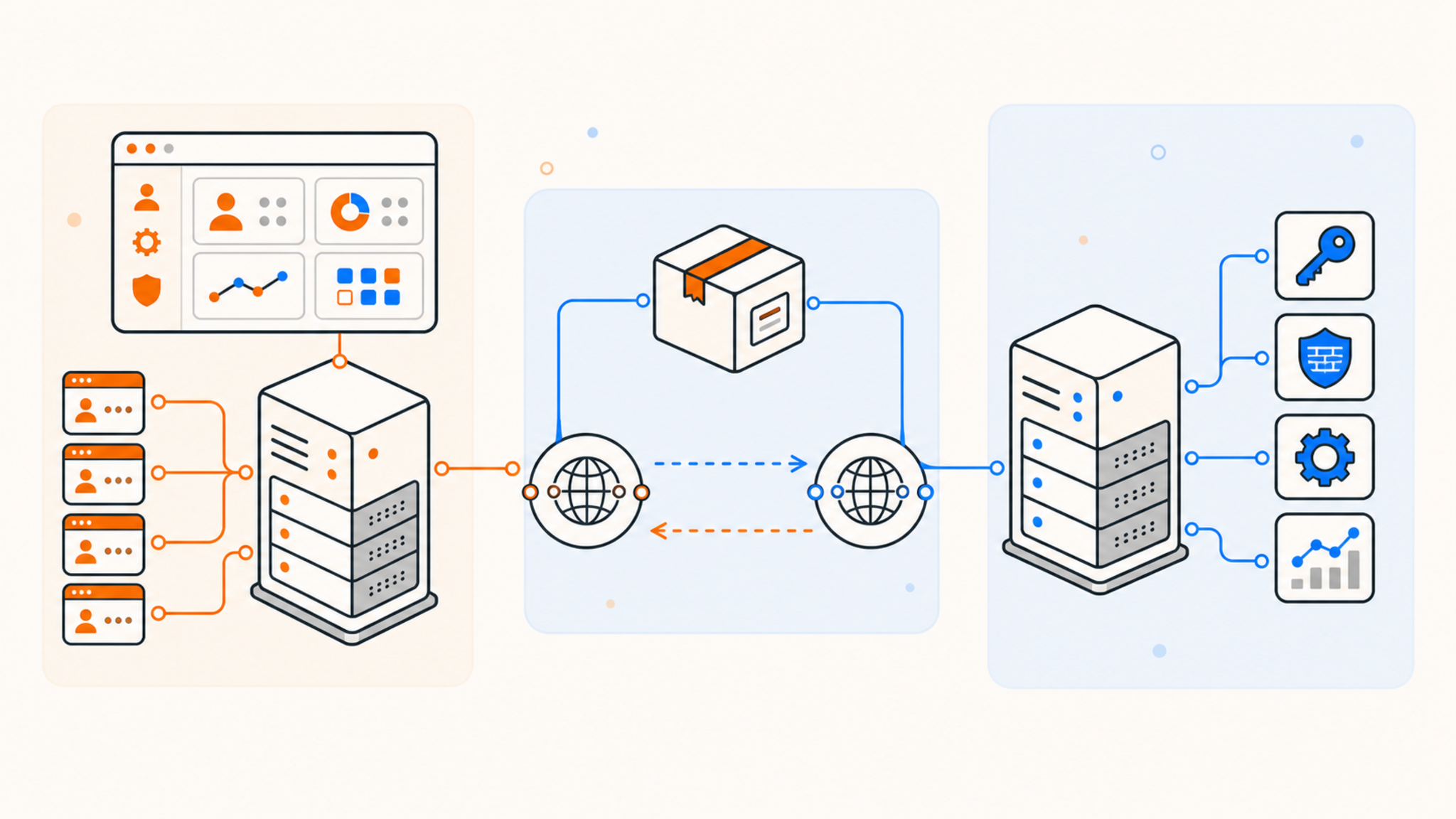
There's usually a specific moment that pushes people to leave traditional web hosting behind: a site that keeps crawling during traffic spikes, a control panel that won't let you install the software you actually need, or simply outgrowing what a shared plan was ever designed to handle.
The move to an unmanaged VPS solves those problems, but it's not a like-for-like upgrade. It changes what you're responsible for, not just what you're capable of, and understanding that shift up front makes the transition far less stressful than discovering it the hard way after something breaks.
What "traditional web hosting" usually means
Traditional web hosting, most commonly shared hosting, puts your site on a server alongside many other customers, managed almost entirely by the hosting provider through a control panel like cPanel. You get a slice of shared resources, a pre-configured software stack, and very little access below the application layer. In exchange, you don't need to know anything about server administration to keep a site running, and the provider handles OS updates, security patching, and most infrastructure-level troubleshooting invisibly in the background.
What "unmanaged VPS" actually means
An unmanaged VPS gives you a virtual private server with root access and dedicated resources, but the provider's responsibility mostly stops at keeping the underlying hardware, hypervisor, and network running. Everything above that, the operating system, security updates, software installation, backups, and configuration, is on you. It's a genuine server, just virtualized, and it comes with genuine server-administrator responsibilities that a shared hosting environment was specifically designed to hide from you.
What actually changes
Resource guarantees. On shared hosting, your site competes with others on the same physical machine for CPU and memory, and a neighboring account's traffic spike can occasionally affect your own site's performance. On a VPS, the resources listed on your plan are yours, not shared or oversold, which is one of the most immediate and noticeable differences once you make the switch.
Software freedom. Shared hosting typically limits you to what the control panel supports, usually PHP-based CMS platforms and static sites. A VPS lets you run anything: Node.js, Python, Docker, custom background services, databases beyond what a shared plan permits, whatever your project actually needs, without waiting on a hosting provider to add support for it.
Root access and responsibility. This is the biggest shift. Root access means you can configure the server however you want, but it also means you're the one applying security patches, configuring the firewall, and diagnosing problems when something breaks. There's no support team quietly fixing misconfigurations behind the scenes, and a mistake in a configuration file is now entirely your problem to find and fix.
Backups. Shared hosting often includes automatic backups as part of the managed service, restorable through a simple control panel button. On an unmanaged VPS, backups are typically your responsibility to configure and monitor, even when the provider offers backup infrastructure as an add-on, and testing that your backups actually restore correctly becomes something you need to verify yourself rather than assume.
Security. You're now responsible for firewall rules, SSH hardening, keeping the OS and installed software patched, and monitoring for intrusion attempts. None of this happens automatically the way it does on a managed shared plan, and an unpatched, internet-facing server is a real and immediate risk rather than a hypothetical one.
Cost structure. VPS pricing usually scales with the resources you provision rather than a flat, all-inclusive fee, and there's no support team bundled into the price the way there is with fully managed shared hosting. This often makes a VPS cheaper for equivalent raw resources, but the comparison isn't quite apples to apples once you factor in the management time you're now providing yourself.
Support model. Shared hosting support can usually help with application-level issues since they manage that layer. VPS support, particularly unmanaged VPS, generally covers hardware and network problems only, not troubleshooting your own server configuration, application code, or software stack.
Scalability. A VPS is generally far easier to scale vertically (more CPU, RAM, or storage) than a shared hosting plan, and unlike shared hosting, you're not competing with other tenants for headroom as your traffic grows.
Who should actually make this move
The move makes sense once you hit a real technical ceiling: needing root access for a specific piece of software, outgrowing shared resource limits during traffic spikes, or needing a stack that a shared hosting control panel simply doesn't support.
It's a harder sell if you're comfortable with your current setup and don't have (or don't want to build) the sysadmin skills a VPS assumes you have. The learning curve is real, and the consequences of getting it wrong (an exposed database, an unpatched vulnerability) are more serious than on a managed platform.
A basic security checklist for your first day on a VPS
Since security is now entirely your responsibility, a few steps are worth doing immediately after provisioning a new unmanaged VPS, before deploying anything to it:
- Change the default SSH port and disable root login over SSH, using a dedicated non-root user with sudo privileges instead.
- Set up key-based SSH authentication and disable password login entirely once your key is confirmed working.
- Configure a firewall (ufw on Debian/Ubuntu, firewalld on Rocky Linux) to allow only the ports your applications actually need.
- Enable automatic security updates for the operating system, even if you handle application updates manually.
- Install a basic intrusion prevention tool like Fail2Ban to automatically block repeated failed login attempts.
- Set up monitoring for disk space, CPU, and memory, since there's no provider dashboard doing this for you by default the way shared hosting typically does.
How to make the transition without breaking anything
- Provision the new VPS and get comfortable with basic server administration before moving anything critical, ideally testing your full deployment process on a throwaway instance first.
- Install and configure only what your site actually needs, resisting the urge to replicate every default your shared host used to handle automatically, since a smaller software footprint is also a smaller attack surface.
- Set up your own backup process from day one, since it won't happen without you configuring it, and test a full restore before you actually need one.
- Migrate DNS last, once you've confirmed the new server is fully working end to end, to minimize downtime and give yourself a clean rollback path if something's wrong.
- Keep the old hosting account active for a short overlap period in case you need to roll back, rather than canceling it the moment the new server is live.
- Document what you set up as you go. Six months from now, you'll want a record of exactly what's installed and configured, since there's no support team who already knows.
Wrapping up
Moving from traditional hosting to an unmanaged VPS trades convenience for control. You get dedicated resources and the freedom to run whatever software your project needs, but you also take on the responsibilities a managed host used to handle quietly in the background. For projects that have outgrown shared hosting's limits, that trade is usually worth it, as long as you go in understanding exactly what you're now responsible for.
Thanks for reading! If you're ready to make the move, QDE provides unmanaged KVM VPS hosting with AMD EPYC, Ryzen, and Intel Xeon processors, where RAM and storage are never oversold. For simpler PHP or WordPress sites that don't need root access yet, QDE's shared hosting runs on the same Amsterdam infrastructure.
Frequently asked questions about moving to an unmanaged VPS
Do I need to be a sysadmin to run an unmanaged VPS?
Not an expert, but you do need to be comfortable with basic Linux server administration, including SSH access, applying updates, and configuring a firewall, since none of that happens automatically.
Is unmanaged VPS hosting more expensive than shared hosting?
It depends on the resources you provision. A small unmanaged VPS can cost about the same as shared hosting, but you're paying for dedicated resources rather than a bundled support and management service.
Can I install a control panel on an unmanaged VPS if I still want one?
Yes. Many unmanaged VPS users install DirectAdmin, Plesk, or cPanel themselves to get a familiar management interface while still keeping root access underneath.
What happens if something breaks on my unmanaged VPS?
You're generally responsible for diagnosing and fixing application-level and configuration issues yourself. Provider support typically covers hardware and network problems, not troubleshooting your own server setup.
How do I know if I'm ready to leave shared hosting?
If you've hit a specific limitation, needing root access, a software stack the control panel doesn't support, or resource limits during traffic spikes, that's usually the clearest sign it's time to consider a VPS.
What's the first thing I should do after getting a new unmanaged VPS?
Secure it before deploying anything: set up key-based SSH access, disable root login and password authentication, configure a firewall, and enable automatic security updates. Treat the first hour as security setup, not application setup.
Do I still need my own backups if the provider offers backup infrastructure?
Yes. Even when a provider offers backup add-ons, it's your responsibility to configure them correctly and periodically test that a restore actually works, since an untested backup is only a theoretical safety net.