If you've been shopping for a VPS, you've almost certainly run into the term KVM. Some providers list it prominently; others bury it in a spec table. Either way, it's worth understanding what it means before you commit to a plan, because the virtualization layer underneath your server affects a surprising number of things: what OS you can run, how your kernel behaves, what hardware features you can access, and how predictably your resources are actually allocated.
This article explains what KVM is, how it compares to alternatives, and whether it covers what you're trying to do.
What KVM actually is
KVM stands for Kernel-based Virtual Machine. It's a virtualization module built directly into the Linux kernel, and it turns the host machine into a hypervisor by taking advantage of hardware virtualization extensions built into modern CPUs (Intel VT-x and AMD-V).
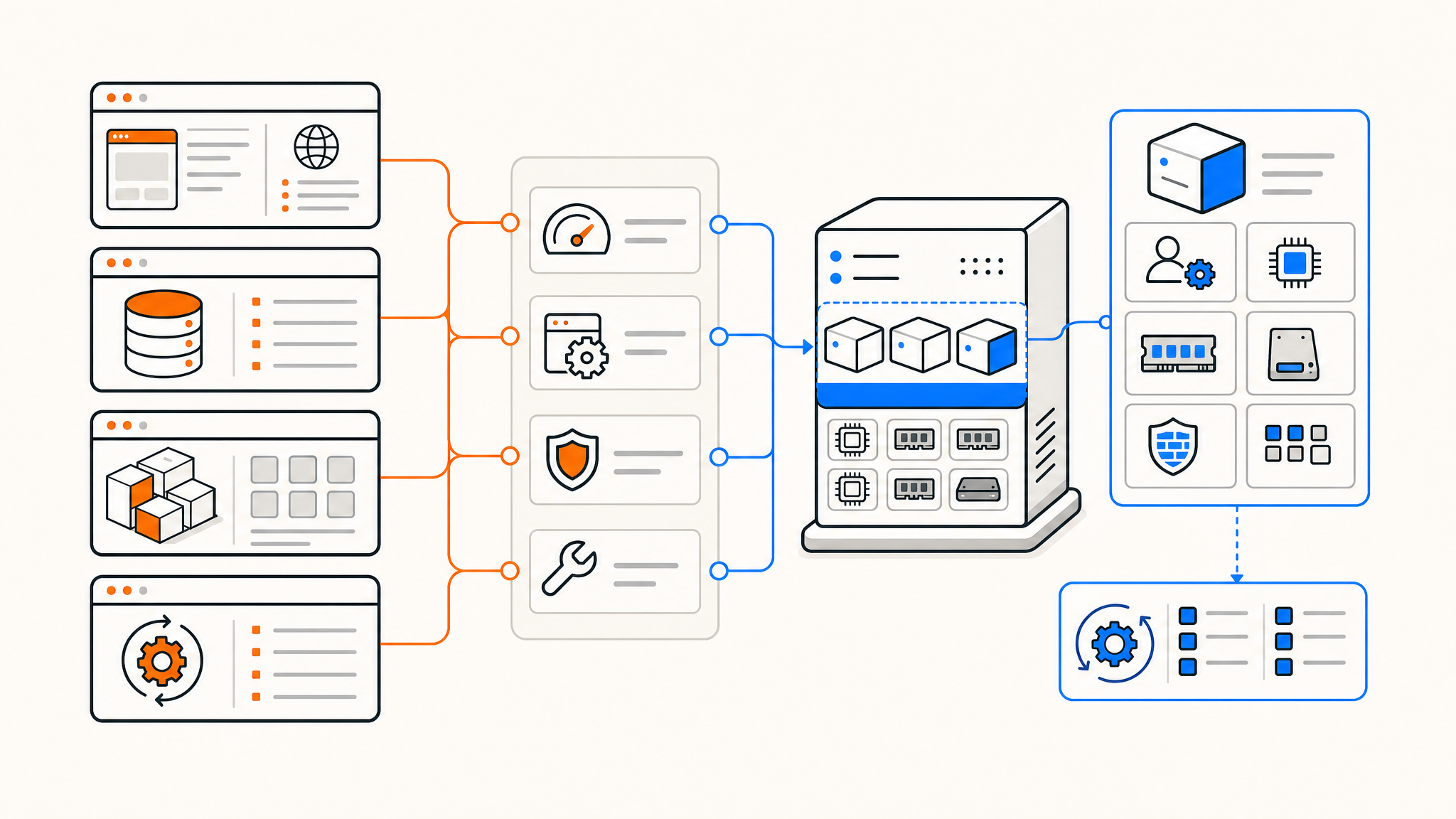
Each KVM instance gets its own virtualized hardware: CPU cores, RAM, network interfaces, and storage controllers. From your VPS's perspective, it looks and behaves like a real physical machine. Your kernel runs directly on virtualized hardware rather than being abstracted away by a software layer.
This is different from container-based approaches like OpenVZ or LXC, where all containers share the host's kernel. With KVM, your VPS has its own kernel entirely.
KVM vs. OpenVZ: why the distinction matters
OpenVZ is the other common VPS virtualization technology, and it's worth understanding the tradeoff directly.
OpenVZ containers share the host kernel. This makes them lightweight and efficient, but it puts real constraints on what you can do. You can't run a different kernel, you can't load custom kernel modules, and some system calls are filtered or unavailable. Docker inside an OpenVZ VPS is often broken or restricted. Certain network configurations don't work. TUN/TAP support (required for VPNs) may or may not be available depending on the provider.
KVM has none of these limitations. Because you have a full virtualized machine with your own kernel, you can:
- Run any Linux distribution or kernel version
- Use Docker, Podman, or any other container runtime without restrictions
- Load custom kernel modules
- Configure TUN/TAP for VPN servers (WireGuard, OpenVPN)
- Use iptables and nftables with full functionality
- Run nested virtualization if the host CPU supports it
If you've ever had a workload fail or behave oddly on a cheap VPS and couldn't figure out why, there's a reasonable chance OpenVZ was the underlying cause.
What you can run on a KVM VPS
The short answer is: almost anything you'd run on a physical Linux server.
Linux distributions. Any standard distro works — Debian, Ubuntu, Rocky Linux, AlmaLinux, Fedora, Arch, Gentoo. You can also install your own custom ISO if the provider supports it.
Docker and containers. Docker runs natively without workarounds. You can run Docker Compose stacks, build images, use multi-stage builds, and expose container networks without fighting the host kernel.
VPN servers. WireGuard, OpenVPN, and other VPN software rely on TUN/TAP kernel support. This works on KVM out of the box.
Custom kernels. If you need a specific kernel version for a driver, a patch, or a performance configuration, you can compile and boot it. This isn't something most people need, but it's available.
Game servers. KVM gives game server software the consistent CPU scheduling and dedicated RAM it needs. Source engine servers, Minecraft, Valheim dedicated servers — all work without the resource contention issues that can occur in container-based environments.
Development environments. Full-stack dev environments, CI runners, build servers, and database clusters all benefit from predictable resource allocation and kernel-level access.
Resource allocation and what "dedicated" actually means
One of the most important properties of KVM is how resources are allocated. Because each VM is a fully isolated environment, RAM is reserved, not shared. If your plan says 8 GB RAM, those 8 GB are committed to your instance and unavailable to others on the host.
This is meaningfully different from OpenVZ providers who oversell RAM based on the assumption that most tenants won't use their full allocation simultaneously. On an oversold host, a spike in neighbor activity can compress your available memory or degrade your CPU performance.
On KVM, vCPU allocations are also more predictable, though the host's physical CPU scheduler still determines how time is distributed across VMs. The degree of CPU contention depends on the provider's overcommit ratio; reputable hosts keep this conservative.
Storage on KVM is typically backed by dedicated disk partitions or logical volumes rather than shared filesystems. Combined with NVMe drives, this means your disk I/O isn't competing with neighbor reads and writes in the same way it can on container-based hosts.
Limitations worth knowing about
KVM is excellent, but it's not the right fit for everything.
Overhead compared to containers. A KVM VM uses more memory and CPU at baseline than an equivalent OpenVZ container, because it's emulating a complete hardware environment and running a full kernel. If you're trying to pack a large number of minimal workloads onto cheap hardware, containers are more efficient. For most serious workloads, this overhead is irrelevant.
No Windows support from all providers. KVM supports Windows as a guest OS in principle, but most Linux VPS providers don't license or offer it. If you specifically need Windows Server, you'll need a provider that explicitly supports it.
Not magic hardware. KVM guarantees your allocated resources and removes kernel-level restrictions, but it doesn't change the underlying physical hardware. If the host machine has aging CPUs or HDDs instead of NVMe, that will still affect your performance.
Who KVM is right for
KVM works well for essentially any serious hosting workload. If you're running a web app, a database, a self-hosted service, a VPN, a game server, or a CI environment — KVM will handle it cleanly.
It's particularly the right call if you:
- Need to run Docker or container runtimes
- Are setting up a VPN server (WireGuard, OpenVPN)
- Want to install or update the kernel independently
- Are moving workloads from a physical server or cloud VM
- Have had unexplained issues on OpenVZ in the past
- Need reliable, non-oversold resource guarantees
If you're building something minimal — a tiny static site, a single cron job, a lightweight proxy — a container-based VPS might technically cost less. But for anything beyond the simplest use case, the predictability and flexibility of KVM is worth it.
Choosing a KVM provider
Not all KVM VPS offerings are equivalent. The virtualization layer is only one part of the equation. When comparing providers, it's worth checking:
- CPU generation. AMD EPYC and Ryzen processors have excellent single-thread performance and are common in modern VPS infrastructure. Older Intel Xeon generations can be slower per core.
- Storage type. NVMe makes a significant difference for database workloads and anything with frequent reads and writes. SATA SSDs are acceptable; HDDs are not worth it for a primary VPS in most cases.
- RAM overselling policy. Ask directly or check the docs. "Guaranteed RAM" should mean the allocation is reserved, not that it's your maximum in a shared pool.
- Network throughput. A 10 Gbps uplink means your VPS can fully utilize burst bandwidth without the host being a bottleneck.
- Control panel features. OS reinstalls, snapshot management, VNC console access, and rDNS configuration are the baseline you should expect.
Summary
KVM is the right virtualization choice for any workload that requires real kernel access, consistent resource allocation, or Docker compatibility. It removes the constraints that make OpenVZ frustrating for serious work, and it behaves like a proper Linux machine rather than a restricted container environment.
For the vast majority of developers, sysadmins, and self-hosters, a KVM VPS covers everything they need without the cost or complexity of bare metal.
Thanks for reading! If you're looking for a KVM VPS that doesn't oversell RAM or storage, QDE offers unmanaged KVM VPS hosting in Amsterdam on AMD EPYC and Ryzen 7950X hardware, with pure NVMe storage, 10 Gbps uplinks, and daily remote backups on every plan.
Ready to get started or have questions about which plan fits your setup? Reach out to our team — we're happy to help.
Frequently asked questions about KVM VPS hosting
What does KVM mean in VPS hosting?
KVM stands for Kernel-based Virtual Machine. It's a Linux kernel module that enables full hardware virtualization, giving each VPS its own isolated kernel, CPU, RAM, and storage — rather than sharing the host kernel with other tenants.
Is KVM better than OpenVZ?
For most workloads, yes. KVM gives you a full virtualized machine with no kernel-level restrictions, which means Docker, VPNs, custom kernels, and most system-level tools work without issues. OpenVZ is lighter but heavily restricts what you can run.
Can I run Docker on a KVM VPS?
Yes, Docker runs natively on KVM without any workarounds. You get full access to Docker's networking, volume management, and build system just as you would on a physical machine.
Can I set up a VPN server on a KVM VPS?
Yes. WireGuard and OpenVPN both require TUN/TAP kernel support, which is available on KVM. Container-based VPS providers sometimes restrict or disable this.
Does QDE oversell RAM?
No. QDE's KVM VPS plans use dedicated RAM allocations — what your plan lists is what's reserved for your instance. Storage is also never oversold.
What operating systems can I run on a KVM VPS?
Any standard Linux distribution works, including Debian, Ubuntu, Rocky Linux, AlmaLinux, and more. QDE supports one-click reinstalls across the most common distros from the control panel.
What's included with every QDE VPS plan?
Every plan includes pure NVMe storage, a 10 Gbps uplink, a dedicated IPv4 address, a /64 IPv6 subnet, daily automatic offsite backups via Proxmox Backup Server, and on-demand manual backups you can trigger from the control panel.